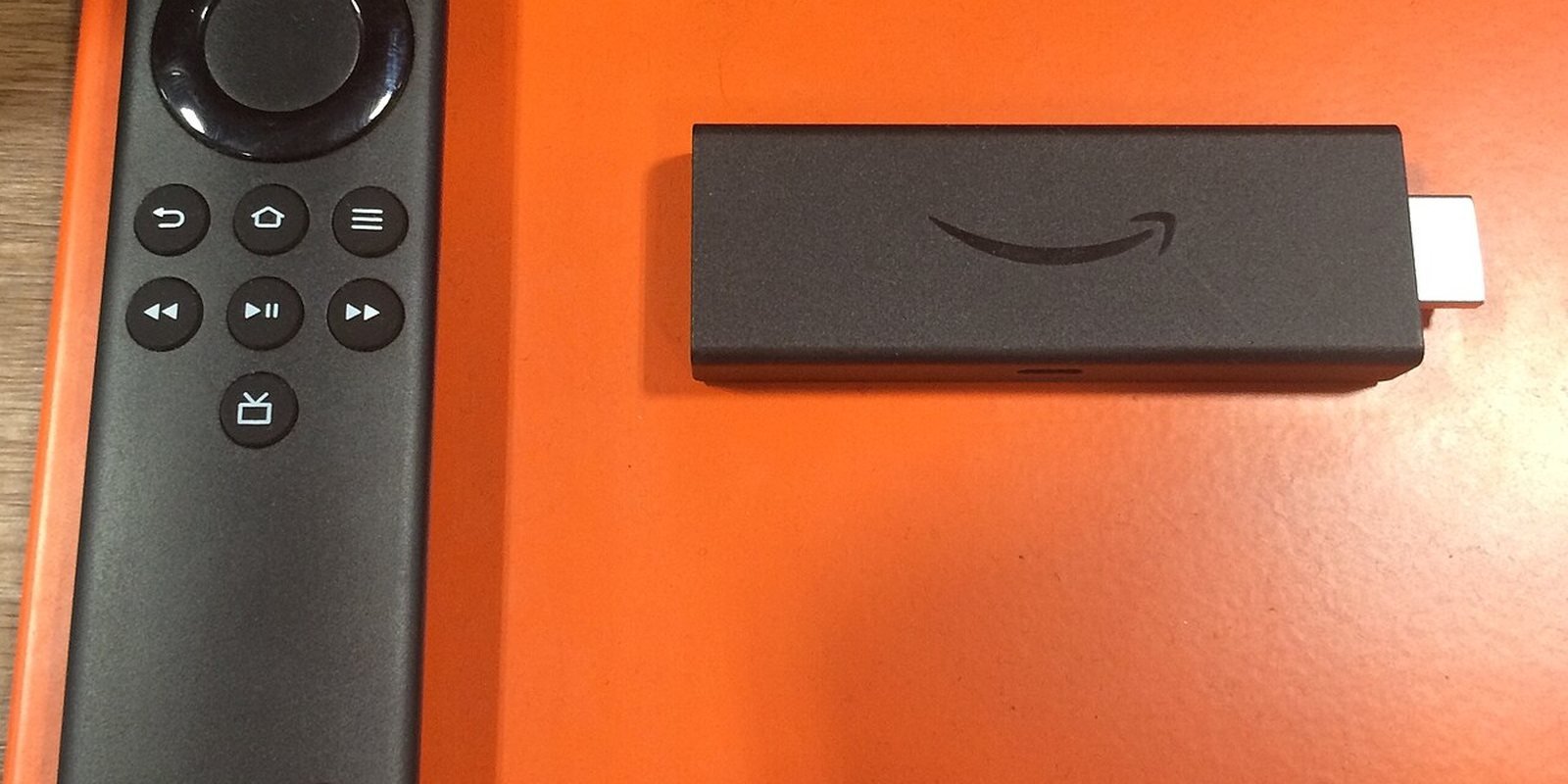
To install IPTV on a Firestick, you put an IPTV player on it with the free Downloader app, then sign in with the M3U link or Xtream Codes login your provider sends you. TiviMate and IPTV Smarters Pro both work this way. Most of these players are not in the Amazon Appstore, so you first allow Downloader to install unknown apps.
The steps are easy. Your model is the real question. The newest Fire TV Stick 4K, the Fire TV Stick 4K Select and the 2nd-gen Fire TV Stick HD run Vega OS, which blocks this method completely, so check which stick you own before you pay for a subscription or follow anything below.
Note: Smart IPTV App is an IPTV provider, and we promote our own service on this page. The apps and devices mentioned here are made by independent companies.
Last checked: October 5, 2026, against AFTVnews, Amazon's Fire TV developer documentation, tivimate.com and getiptvsmarters.com. Menu names can change with software updates.
First, check that your Firestick still allows IPTV apps
This is the step most guides skip, and in 2026 it matters more than any other. Amazon is moving its streaming sticks from Fire OS, which is based on Android, to a new system called Vega OS. According to AFTVnews, Vega OS does not support sideloading and does not run the Downloader app. On those models you cannot install TiviMate, IPTV Smarters Pro or IBO Player at all, no matter which tutorial you follow.
| Model | System | Can you install IPTV players? |
|---|---|---|
| Fire TV Stick 4K (3rd generation) | Vega OS | No |
| Fire TV Stick 4K Select | Vega OS | No |
| Fire TV Stick HD (2nd generation) | Vega OS | No |
| Fire TV Stick 4K Max | Fire OS | Yes |
| Fire TV Stick 4K Plus | Fire OS | Yes |
| Fire TV Stick HD (1st generation) | Fire OS | Yes |
| Fire TV Cube and TVs with Fire TV built in | Fire OS | Yes |
Amazon does not state clearly on its product pages which system a stick runs, so check the device itself. Go to Settings > My Fire TV > About and look at the software version. On a Vega OS device the version is labeled "OS" and, according to AFTVnews' updated guide, starts with a 1 or a 2. Fire OS versions start with 3, 5, 6, 7, 8 or 14. If yours starts with a 1 or a 2, skip to the section on what to do with a Vega OS stick further down.
A practical tip if you are about to buy one: AFTVnews advises avoiding models with "Select" in the name, and the Fire TV Stick 4K Max is currently the last stick that still runs Fire OS. Stuck with a Vega OS model? Our IPTV setup guide for every device shows what works on other TVs and boxes.
What you need before you start
- A Fire OS device from the table above, connected to your TV and to the internet.
- Your IPTV login. Providers send it in one of two forms: an M3U link, which is a single web address that holds your channel list, or Xtream Codes, which is a server address plus a username and password. Some also send a separate EPG link for the TV guide.
- About 15 minutes. Most of it goes into steps 1 to 3. You only do those once. Once a player is installed, adding a new subscription takes a minute.
An IPTV player shows content and provides none of its own, as TiviMate and IPTV Smarters Pro both point out on their official sites, so the channels always come from your IPTV subscription, which is a separate service.
Step 1: Turn on Developer Options
Amazon hides the setting you need. It sits inside a menu called Developer Options. Its developer documentation describes the path:
- Press the Home button and open Settings.
- Select My Fire TV (called Device on some older software).
- If you see Developer Options, you are done with this step.
- If you do not see it, open About, highlight your device name and press the select button on the remote 7 times. A message confirms that Developer Options is now available. Press Back and it appears in the My Fire TV menu.
Step 2: Install the Downloader app
Downloader is a free app from AFTVnews that lets your Firestick fetch a file from a web address or from a short numeric code. Its official page lists more than 100 million users, and it is the tool the official TiviMate site itself points to.
- On the Home screen, open the search (the magnifying glass or Find menu).
- Type Downloader and pick the app with the orange icon published by AFTVnews.
- Select Get or Download and wait for the installation to finish.
No Downloader in the store? You are almost certainly on a Vega OS stick. Go back to the check at the top of this guide.
Step 3: Allow Downloader to install apps
- Go to Settings > My Fire TV > Developer Options.
- Open Install unknown apps. On older software this is a single switch called Apps from Unknown Sources.
- Find Downloader in the list and switch it On.
If the list stays empty, update your stick under Settings > My Fire TV > About > Check for Updates. A Fire OS bug in September 2026 stopped this list from showing installed apps, and AFTVnews reported on September 16, 2026 that Amazon had fixed it.
Fire OS may show a warning that apps from unknown sources can be harmful, and that warning is exactly why you should download players only from their official websites, as described in the next step.
Step 4: Install your IPTV player
You only need one player. The three most common on Fire TV are below, each with its official download.
Option A: TiviMate
- Open Downloader and select the field labeled Enter a URL or Search Term.
- Type the code 272483, or the address tivimate.com/apk, and select Go. Both come from the official TiviMate website.
- When the download finishes, select Install, then Done.
- Downloader then offers to delete the installation file. Select Delete twice to free up storage, which is limited on Fire TV sticks.
TiviMate is built for TV screens and remote controls. Its paid premium upgrade adds extra app features. It does not include any channels.
Option B: IPTV Smarters Pro
- In Downloader, type getiptvsmarters.com and open the Download page.
- Choose the Android TV download. The official page lists version 5.0 with a size of 74 MB.
- Install it, then delete the installation file as above.
The developer states that IPTV Smarters Pro is not distributed through any other website, and it publishes a SHA-256 checksum for each file. Copies offered elsewhere, especially "mod" or "premium unlocked" versions, are not from the developer and can contain anything. Our list of official IPTV Downloader codes shows how to check any code before installing it.
Option C: IBO Player
Open iboiptv.com in Downloader's browser, accept the site's terms and choose the Android download on the official Downloads page. When we checked on October 7, 2026, the direct file address that used to circulate no longer returned the app, so start from the page itself. IBO Player runs as a 7-day trial and then needs a paid license, and the developer states that there are no refunds after purchase.
Step 5: Add your IPTV subscription to the player
Open the player you installed. Every player asks for the same information. Only the menu names differ.
- With Xtream Codes: choose the Xtream Codes option, then enter the server address exactly as your provider sent it, including
http://and the port number if there is one, followed by your username and password. - With an M3U link: choose the M3U or playlist option and paste the full link. On a remote this is slow to type, so many people paste it from a phone using the Amazon Fire TV app, or ask their provider for Xtream Codes instead.
- TV guide: Xtream Codes usually loads the guide automatically. With an M3U link, add the EPG address in the player's EPG or TV guide settings if your provider sent one.
The first load can take a minute while the player downloads the channel list and the guide, and after that, channels open straight from the list or from the guide whenever you switch the stick on.
TiviMate, IPTV Smarters Pro or IBO Player?
| TiviMate | IPTV Smarters Pro | IBO Player | |
|---|---|---|---|
| Cost | Free download, paid premium for extra features | Free download | 7-day trial, then paid license |
| Best for | A cable-style TV guide on the big screen | Separate Live TV, Movies and Series sections | People who already use IBO on another TV |
| What the developer highlights | Multiple playlists, multiview, catch-up, recording, parental controls | Multi-screen, parental controls, external players, subtitles | Same app on Android, Windows and macOS (official downloads page) |
| TV guide | Yes | Yes | Only if your provider supplies one |
For live TV on a Firestick, TiviMate is the most comfortable choice, because its layout was made for a remote control. If you mostly watch movies and series on demand, IPTV Smarters Pro's separate sections are easier to browse. You can install two players and keep the one you prefer, as long as you only stream on as many screens as your plan allows. For a longer comparison that also covers iMPlayer, Kodi and VLC, see our guide to the best IPTV player for Firestick.
How to stop buffering on a Firestick
A Firestick is a small device sitting behind your TV, often far from the router, which is why most buffering on it comes from the connection rather than from the subscription.
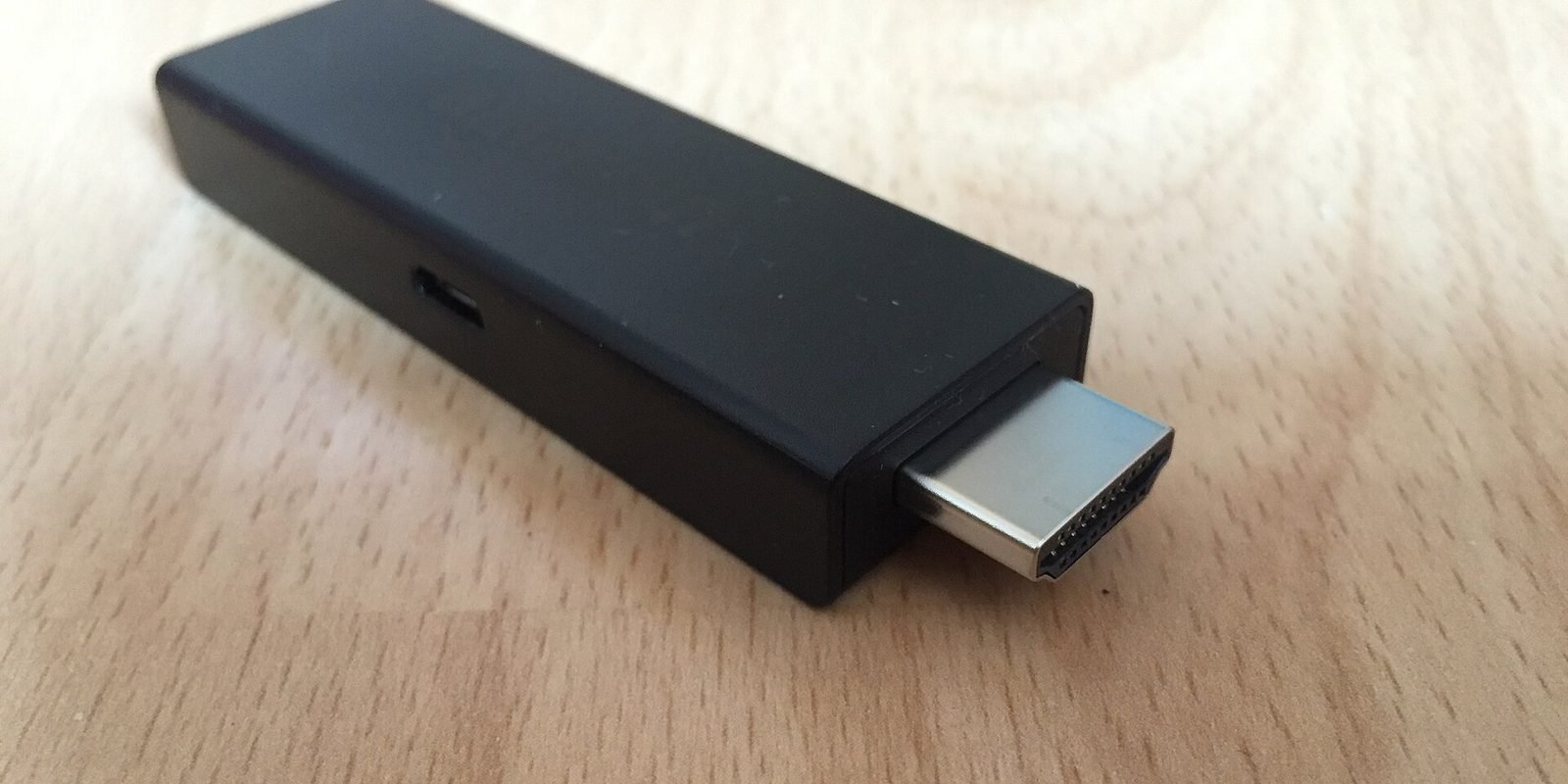
- Use a wired connection if you can. Amazon sells an Ethernet adapter for Fire TV that plugs into the stick's power port. It removes Wi-Fi drops completely.
- Improve the Wi-Fi signal. Use the HDMI extender if your stick came with one, so the stick does not sit hidden behind the TV, and connect to the 5 GHz network when your router offers it.
- Clear the player's cache. Go to Settings > Applications > Manage Installed Applications, open your player and select Clear cache. Do not select Clear data, which deletes your login.
- Restart the stick under Settings > My Fire TV > Restart when it has been running for days.
- Check other devices. A large download or a video call elsewhere in the house competes for the same connection.
If one channel buffers and others play fine, the problem is that stream. Tell your provider which channel and at what time, so they can check it. For every other cause, see our guide on IPTV not working or buffering.
Common problems and quick fixes
"App not installed" or the install button does nothing
Downloader is not allowed to install apps. Repeat step 3. Make sure the switch next to Downloader is on.
The login fails
Check the server address character by character, including http:// and the port. Usernames and passwords are case sensitive. A space copied at the end breaks them too.
Channels load but the TV guide is empty
Add or refresh the EPG link in the player's settings. Guide data can take a few minutes to download the first time.
You have a Vega OS stick
There is no workaround that installs IPTV players on Vega OS. Your options are to return or exchange the stick for a Fire OS model such as the Fire TV Stick 4K Max, to use a different streaming device, or to install a player directly on your smart TV if it supports one.
Before you pay: test it on your own Firestick
A Firestick that installs TiviMate perfectly can still struggle behind the TV, where the Wi-Fi is often weakest, so the last check is one only you can do at home. Ask for the free 24-hour trial, add the login to the player you just installed and watch for an evening, when the network in the house is busiest.
If it holds up, pick a plan on the IPTV subscription page. The login reaches you on WhatsApp or by email 5 to 15 minutes after you pay, as Xtream Codes details or an M3U link. One plan runs on up to four devices at once.
Frequently asked questions
Can I put IPTV on a Firestick 4K Select?
No. The 3rd-gen Fire TV Stick 4K, the Fire TV Stick 4K Select and the 2nd-gen Fire TV Stick HD run Vega OS, which does not allow sideloading or the Downloader app, according to AFTVnews. Fire OS models such as the Fire TV Stick 4K Max still work.
How do I know if my Firestick runs Vega OS?
Go to Settings, My Fire TV, About. If the software version is labeled OS and starts with a 1 or a 2, it is Vega OS.
What is the Downloader code for TiviMate?
The official TiviMate website gives the Downloader code 272483, or the address tivimate.com/apk.
Is IPTV Smarters Pro in the Amazon Appstore?
The developer says the app is only distributed through its own website, getiptvsmarters.com, where it publishes the Android TV file and its checksum.
Do IPTV apps come with channels?
No. TiviMate, IPTV Smarters Pro and IBO Player are players only. The channels come from your IPTV subscription.
Why does IPTV keep buffering or freezing on my Firestick?
Usually because of a weak Wi-Fi signal behind the TV. A wired Ethernet adapter, the 5 GHz network, clearing the app cache and restarting the stick fix most cases.
Can I record IPTV on a Firestick?
TiviMate lists recording among its features on its official site. Storage on a Firestick is limited, so check how much space your model has before recording long programs.
What IPTV app is best for Firestick?
For live TV with a full guide, TiviMate. For films and series, IPTV Smarters Pro, which is free. Both install with the Downloader app on Fire OS sticks.
Why can't I find my IPTV app in the Amazon Appstore?
Most IPTV players, TiviMate included, are not in the Amazon Appstore, so you install them with the free Downloader app from the developer's official address. On Vega OS models, such as the 3rd-gen Fire TV Stick 4K, the 4K Select and the 2nd-gen HD, they cannot be installed at all.