An IPTV EPG is the TV guide: a separate file, usually in XMLTV format, that tells your player what is on each channel and when. With an Xtream Codes login, most players load it on their own. With an M3U playlist, you paste the EPG URL from your provider into the player's settings, in TiviMate's EPG settings for example.
Start with your provider's own guide, since it is built for their channel list. A blank or shifted guide rarely means the file is bad. It is nearly always a wrong link, channel IDs that don't match, or a time setting, and each one has its fix further down.
Note: Smart IPTV App is an IPTV provider, and we promote our own service on this page. The apps and devices mentioned here are made by independent companies.
Last checked: October 7, 2026, against the Kodi IPTV Simple documentation, the iptv-org/epg project, the epg.best help center and IPTV Smarters Pro features page. Menu names vary between player versions.
What an EPG actually is
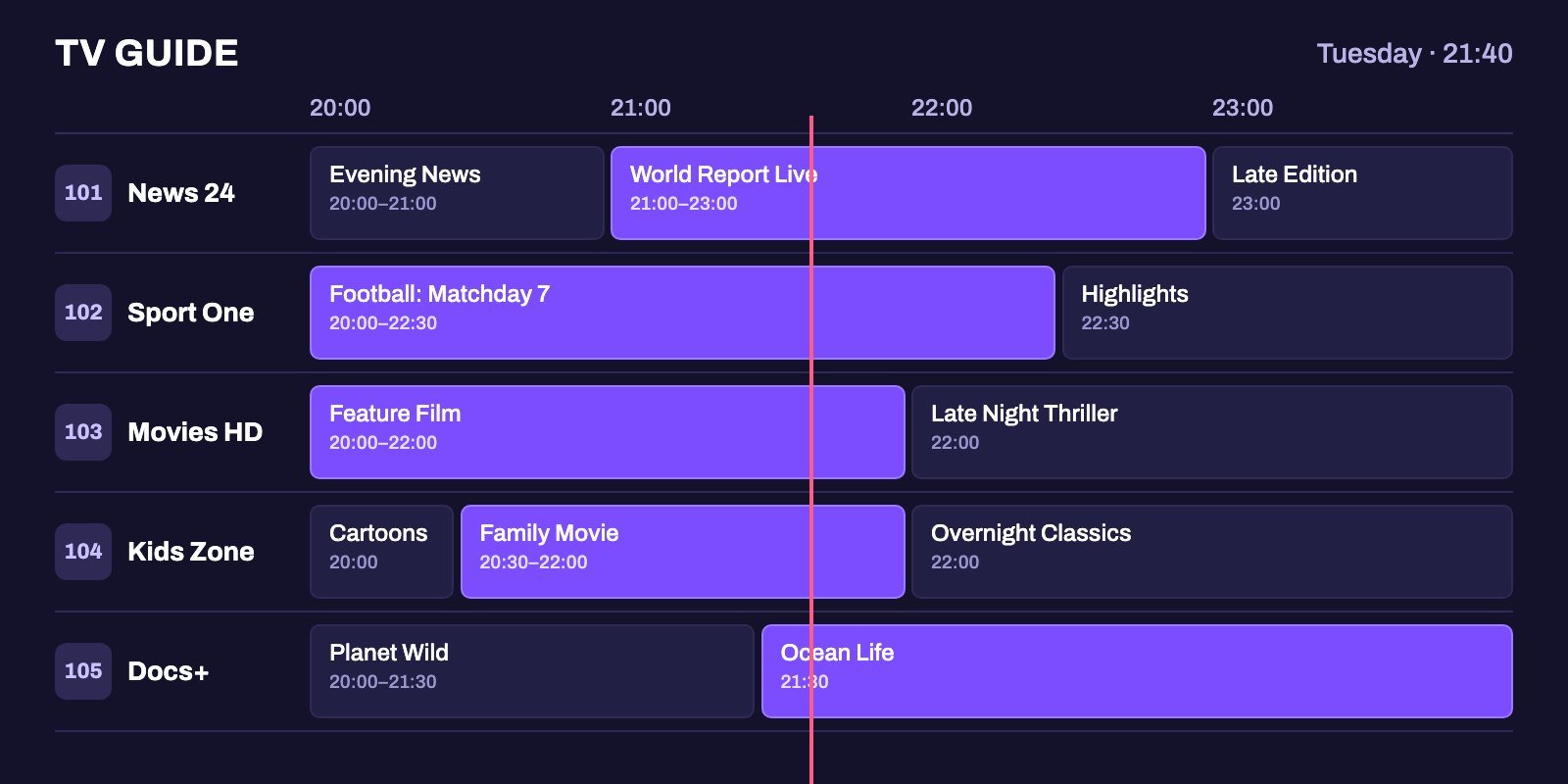
EPG stands for electronic program guide. In IPTV it is the grid that shows what is playing now, what comes next and when each program starts and ends, often with a short description. Without it, a player still plays your channels, but you see a plain list of names with nothing underneath.
The guide and the channels live in two separate files. The playlist, an M3U link or an Xtream Codes login, lists the channels and the stream address of each one. The EPG is an XMLTV file that lists channel IDs and, under each ID, the programs with their start and end times.
Your player downloads both and joins them. When that join works, every channel shows its schedule, and when it fails, some or all of your channels show "No information" where the program should be. Almost every EPG problem comes down to one of three things: the player cannot download the guide, it cannot match the guide to your channels, or it shows the times in the wrong time zone.
How a player matches the guide to your channels
Each channel in an M3U playlist carries a few tags. One matters most: tvg-id. The Kodi IPTV Simple documentation describes it as "a unique identifier for this channel used to map to the EPG XMLTV data". A channel line looks like this:
#EXTINF:0 tvg-id="news24.example" tvg-name="News 24" group-title="News",News 24
http://server.example/live/user/pass/101.ts
In the XMLTV file, the same ID appears on the channel and on each of its programs. Your player looks for news24.example in the guide and shows whatever it finds under that ID.
The epg.best help center adds an important detail: the tvg-id should match the guide's channel ID exactly, and a similar display name is not enough to identify a regional feed reliably. "News 24 HD" in your playlist and "News 24" in the guide are not a match unless the IDs agree. That is why a guide from your own provider almost always works better than one from somewhere else: the provider built both files with the same IDs.
You may also come across two other tags:
tvg-shiftmoves the guide times for one channel, or for the whole playlist when it sits in the first line.x-tvg-url, placed in the first line of the playlist, gives the address of the guide. Kodi's IPTV Simple, for example, uses it when no EPG address is set in its own settings.
Where to get an EPG for IPTV
There are three realistic sources. Which one is "best" depends far less on the source than on whether its IDs match your playlist.
1. Your IPTV provider
Look here first. In many cases, it is the only source you need. With an Xtream Codes login (server address, username and password), players such as TiviMate and IPTV Smarters Pro usually fetch the guide from the same server, so there is nothing extra to set up. With an M3U link, ask your provider for the matching EPG link, or check whether it is already in the playlist's first line as x-tvg-url.
2. Free: the iptv-org/epg project
iptv-org/epg is a free, open source project on GitHub that provides tools for downloading the guide of thousands of channels from hundreds of websites. It is not a one-click link. You install Node.js and Git, choose the sites you need and run a command that builds a guide.xml file on your computer. Community members can also share guides they generated, and the project keeps a list of them with their current status in its GUIDES.md file.
It suits terminal users who want full control. You will still need to make the IDs in the guide match the tvg-id values in your playlist, and someone has to host the file and refresh it every day for the guide to stay current.
3. Paid: dedicated EPG services
Services such as epg.best sell ready-made XMLTV guides that you assign to your channels yourself, one by one, which takes a while the first time but then keeps working without any terminal or server of your own. On October 7, 2026 its pricing page started at 0.99 EUR a month for 100 channels, billed yearly at 11.87 EUR, with larger plans for 250, 500 and 1,000 channels. Its plans are for one household and exclude use on Xtream or XUI servers.
| Source | Cost | Setup effort | Matches your channels? |
|---|---|---|---|
| Your IPTV provider | Included with the subscription | None with Xtream Codes, one link with M3U | Yes, built with the same IDs |
| iptv-org/epg | Free | High: install tools, generate, host, refresh | Only after you map the IDs |
| Paid EPG service | From about 1 EUR a month | Medium: choose channels and map them | After you assign each channel |
So the best EPG for IPTV is the one that matches your playlist. Does your provider's guide work? Then keep it.
How to add an EPG in the most common players
TiviMate
Using Xtream Codes? The guide normally loads on its own. With an M3U playlist, add the XMLTV link in TiviMate's EPG settings and assign that source to your playlist, as the epg.best help center describes. After the first download, open the guide and check a few channels. If one shows nothing, TiviMate lets you pick the matching guide channel for it by hand.
IPTV Smarters Pro
According to its official features page, IPTV Smarters Pro shows program schedules "when EPG information is available from your source", has a TV guide view and refreshes the information supplied by your connected source. So the guide arrives with your login. When your provider offers both, the Xtream Codes login is usually the simpler choice, because the guide comes from the same server. If the guide stays empty after a long time, refresh the source from the app's settings or sign out and back in.
Kodi with IPTV Simple
Kodi's add-on has the most detailed settings of any player, all documented in its README:
- In the add-on settings, open EPG, set Location to Remote path and paste the link in XMLTV URL.
- EPG time shift moves all guide times by anything from -12 to +14 hours.
- Ignore Case for EPG Channel IDs lets "News24.example" match "news24.example".
- Auto refresh mode can reload the playlist and guide every set number of minutes (up to 120) or once a day.
- Guides compressed with gzip or XZ load too, which keeps large files small.
IBO Player and VLC
IBO Player states that its guide only works if your provider supplies one. VLC has no TV guide at all, which is one reason it is better for testing a stream than for daily viewing. Our comparison of IPTV players for Firestick covers how each app handles the guide.
Fixing the most common EPG problems
Every channel says "No information"
When the whole guide is empty, the player never got a usable file. Check, in this order:
- The EPG link is complete and typed correctly, including
http://orhttps://. - Your subscription is active. An expired login often blocks the guide as well as the channels.
- The player finished the first download. On a small device a large guide can take several minutes, so leave the app open and wait before trying again.
- With Xtream Codes, sign out and back in. If the login itself fails, start with our login troubleshooting steps.
Only some channels are empty
This is a matching problem. Either the guide has no data for those channels, or their tvg-id does not match any ID in the guide. A channel name that looks right is not enough. In TiviMate you can assign the guide channel manually. With Kodi, check whether the IDs differ only in upper and lower case, and enable the ignore-case setting if so. If the channel comes from your provider's playlist and guide, report it to them with the channel name.
The guide shows the wrong times
The epg.best help center suggests a sensible order: first check the date, time and time zone of the device itself, then the time settings in your player and account. Only then apply an offset. Compare several channels first. A whole-playlist offset fixes channels that were wrong but breaks those that were already right. In Kodi the setting is EPG time shift. Other players call it EPG offset or time shift in their guide settings.
The guide shows yesterday's schedule
It is an old copy. Refresh both the playlist and the EPG, not only the guide, so the player does not keep old channel IDs. If old data remains, clear the guide cache in the app, or the app's cache in your device settings, and let it download again.
The guide makes the app slow on a Firestick
A guide covering thousands of channels over many days is a large file for a stick with limited memory and storage. Hide the channel groups you never watch, reduce the number of guide days if your player allows it, and do not set the guide to refresh every hour. Once a day is plenty. Our Firestick setup guide has more tips on storage and buffering.
Making the most of the guide
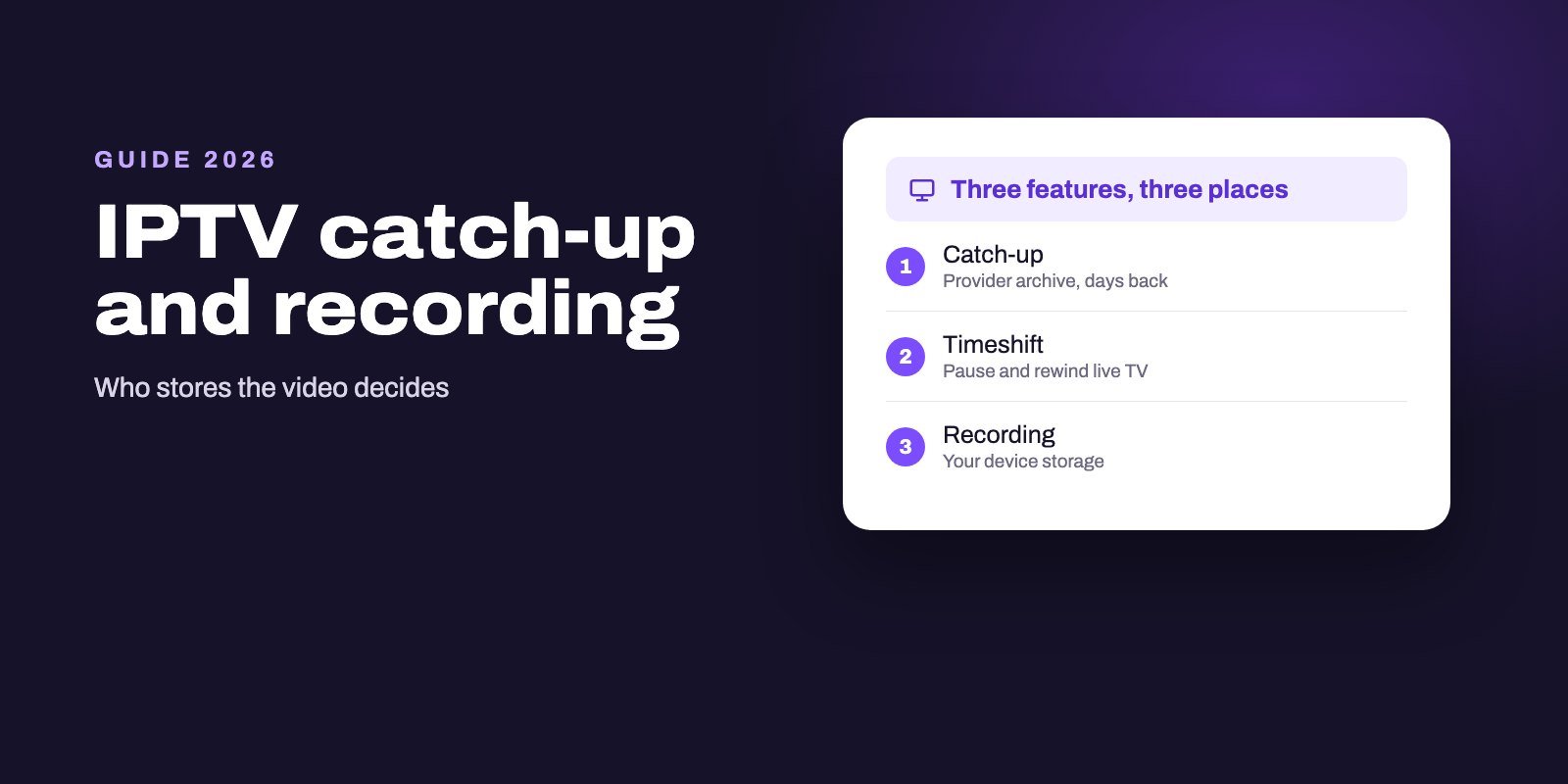
A working guide does more than tell you what is on. When your provider supports catch-up, players use the EPG to show which past programs you can replay, so without a guide there is nothing to pick from. Kodi's IPTV Simple, for example, can jump to any point within the catch-up window the provider allows.
Recordings need it too. A recording planned from a program in the guide starts and stops on the guide's times, and a shifted guide can cut off the beginning or the end of a show. And if the full guide feels overwhelming, a favorites list of the channels you actually watch turns thousands of rows into a single screen.
The EPG with a Smart IPTV App subscription
Every Smart IPTV App plan includes the TV guide. When you sign in with the Xtream Codes details we send, the guide and the channel categories come through with the login, so you do not need to find or add a separate EPG link. If you use an M3U link instead, ask our support how to add the guide in your player. Login details arrive on WhatsApp or by email within 5 to 15 minutes of payment.
Check the guide during the 24-hour IPTV free trial: open it on the channels you watch most and check that the times match your local time. If you use IPTV Smarters Pro, our IPTV Smarters Pro subscription page explains the setup, and all plans are on the IPTV subscription page.
Frequently asked questions
What does EPG mean on IPTV?
Electronic program guide. It is the schedule that shows what is on each channel and when, delivered to your player as a separate XMLTV file.
Is the EPG included with an IPTV subscription?
With most providers, yes. With an Xtream Codes login the guide usually loads automatically. With an M3U link, the provider gives you a separate EPG address or includes it in the playlist.
What is the best free EPG source for TiviMate?
Your IPTV provider's own guide, because it uses the same channel IDs as your playlist. If you need another free source, the open source iptv-org/epg project lets you generate a guide, but you have to map the IDs and refresh it yourself.
Why is my IPTV EPG not showing any information?
If every channel is empty, check the EPG link, your subscription status and whether the first download finished. If only some channels are empty, their tvg-id does not match the guide.
Why are my EPG times wrong?
Check the device's date, time and time zone first, then the player's time settings. Apply an EPG offset or time shift only after comparing several channels.
Can I use an EPG from a different source than my provider?
Yes, by adding its XMLTV link to your player, but channels only show a schedule when their tvg-id matches an ID in that guide. Expect to assign some channels by hand.
Does the EPG work with an M3U link?
Yes. Add the EPG address in the player's guide settings, or use a playlist that carries it in its first line as x-tvg-url.
Why is my IPTV EPG not updating?
The player is showing an old copy. Refresh both the playlist and the EPG, then clear the guide cache in the app or the app's cache in your device settings and let it download again. An expired subscription can also stop the guide.