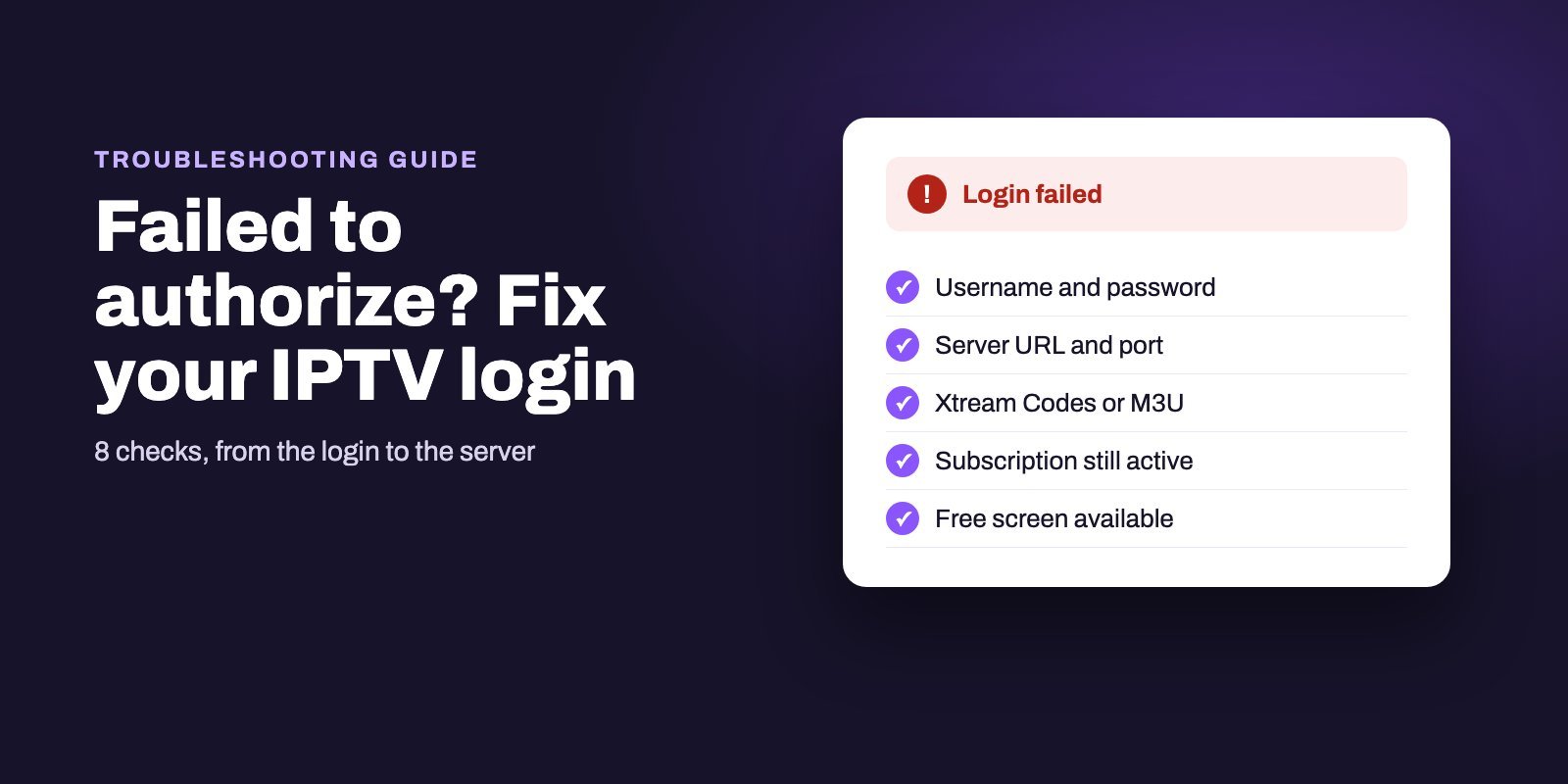
"Failed to authorize" in IPTV Smarters means your provider's server refused the login, or the app could not get a usable answer from it at all. Check the username and password exactly as sent, the server URL with http:// and the port, that you chose the Xtream Codes login and not M3U, that your subscription is still active, and that no other device is using your last free screen.
The app itself is rarely the problem. The cause is almost always your login, your account or the connection to the server, which is why reinstalling Smarters is fix number 7 below and not fix number 1. If every detail checks out and the error appears on two different networks, the problem is on the provider's side.
Note: Smart IPTV App is an IPTV provider, and we promote our own service on this page. The apps and devices mentioned here are made by independent companies.
Last checked: October 7, 2026, against the official IPTV Smarters site (getiptvsmarters.com). Menu names can differ slightly between the Android, Fire TV, iPhone and smart TV versions.
What "Failed to authorize" actually means
IPTV Smarters Pro is a player. Its developer says outright that the app includes no channels, playlists or subscriptions: everything you watch comes from your IPTV provider. When you log in, the app sends your details to your provider's server and waits for an answer, and "failed to authorize" is what you see when that answer is a refusal or when the app cannot get a usable answer at all. If you are still choosing an app, our comparison of IPTV players puts Smarters next to TiviMate and the others.
That leaves three suspects. The login itself may be wrong, through a typo, the wrong server address or the wrong login type. The account may be the problem, because the subscription has expired or every screen on your plan is already in use. Or the connection fails, either because the provider's server is down or because your network cannot reach it. Working out which one you are dealing with saves you from reinstalling an app that was never the problem, and from waiting on a provider when the typo was yours.
The fixes below follow that order, from the quickest to check to the ones that need your provider.
Fix 1: Re-enter your username and password exactly
Usernames and passwords for IPTV logins are case sensitive. "John2026" and "john2026" are two different accounts. A single extra space at the end, which often sneaks in when you copy from WhatsApp or an email, is enough to make the login fail.
- Open the message from your provider and copy the username on its own, without anything before or after it.
- On a TV or Firestick, type it slowly with the on-screen keyboard and compare each character, especially the letters and numbers that look alike: O and 0, l and 1, I and l.
- Do the same for the password.
- Delete the old profile in the app and create a new one rather than editing the old one, so no hidden character survives. Then test again.
Fix 2: Check the server URL format
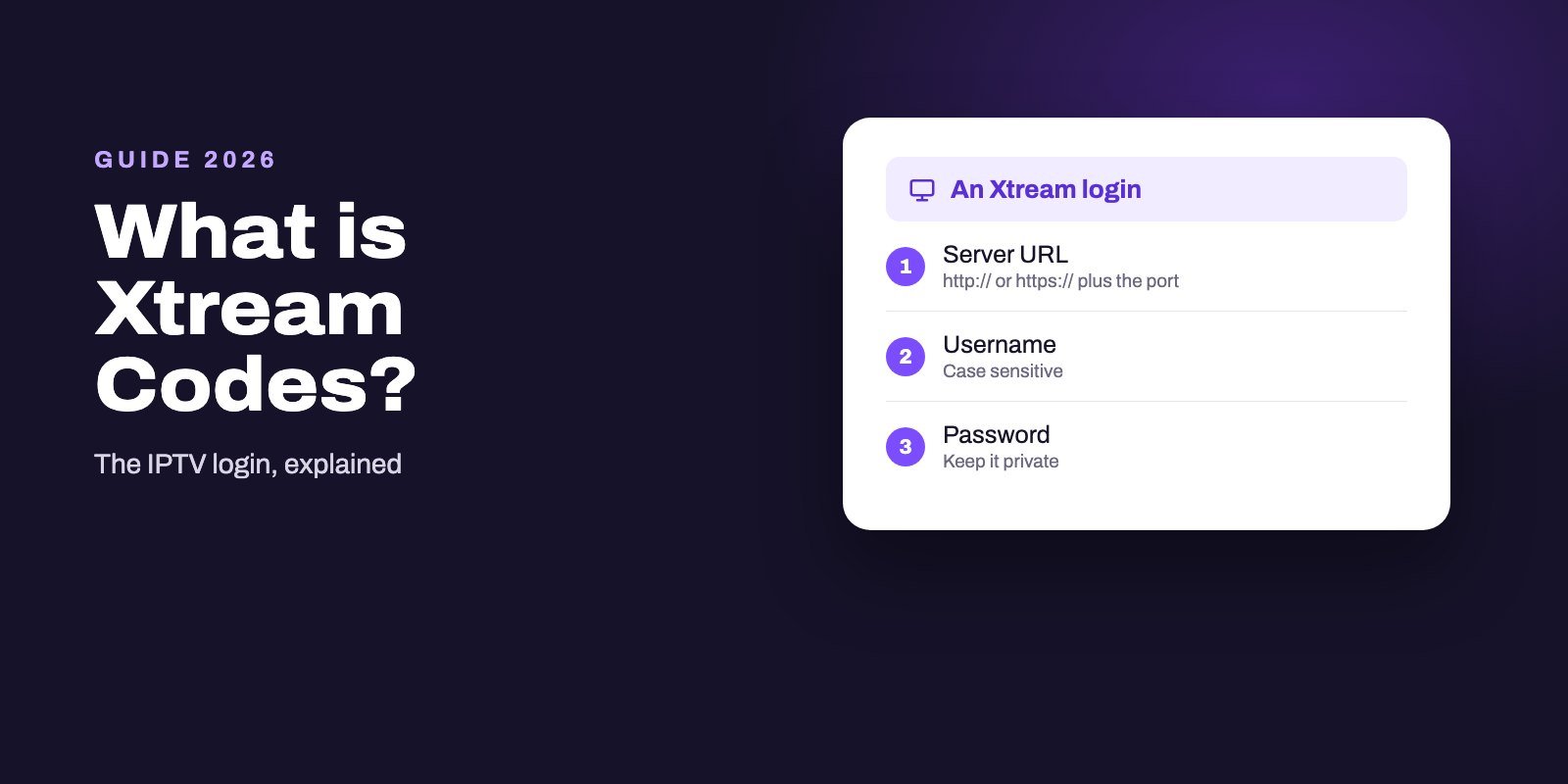
The server address, sometimes called the portal URL or host, is the easiest field to get wrong because it looks technical. Enter it exactly as your provider sent it:
- Keep the beginning. If your provider wrote
http://, do not change it tohttps://, and the other way round. - Keep the port. If the address ends with a colon and a number, such as
:8080, that number is part of the address. - Do not add anything. No extra slash, no "/get.php" and no spaces at the end, unless your provider's message includes them.
If your provider sent you an M3U link instead of a server address, the server is hidden inside that link. Do not paste the whole M3U link into the server field: use the M3U login option instead, as explained in the next fix.
Fix 3: Use the right login type
The official site lists two ways to connect a source in IPTV Smarters Pro: M3U playlists and API-based login, which most providers call Xtream Codes. The two are not interchangeable.
- If you received a username, a password and a server URL, choose the Xtream Codes login.
- If you received one long link that usually contains "m3u" or "get.php", choose the M3U playlist option and paste the link there.
Entering Xtream details into the M3U form, or the reverse, can produce a failed login even when every character is correct. With Xtream Codes, the TV guide is usually picked up automatically, which is one reason to prefer it when your provider offers both. Our IPTV EPG guide explains how the guide is loaded.
Fix 4: Make sure your subscription is still active
IPTV subscriptions run for a fixed period. When it ends, the login stops working. The app cannot tell you why, so it just reports that it could not authorize you, which sends many people hunting for a typo that does not exist. The same happens if a trial account reaches the end of its 24 hours.
Check the date you paid. Then check the length of your plan. Not sure? Ask your provider when your account expires. A provider worth paying should answer that question in minutes. Keep any renewal reminders your provider sends: they are the quickest way to check the date later.
Fix 5: Free up a screen
Every IPTV plan allows a set number of devices to watch at the same time. If your plan covers one screen and the living room TV is already playing, the bedroom Firestick may be refused at login or as soon as it opens a channel.
- Close the app completely on every other device that uses the same account, phones and tablets included.
- Wait a minute. Then try again on the device that failed.
- Households that regularly watch on several screens are better served by a plan with more devices than by one shared login.
Fix 6: Test another network
Details right, account active, still failing? Find out whether the problem follows the device or the network. Connect the same device, or a phone with IPTV Smarters installed, to mobile data or another Wi-Fi and log in with the same details.
| Result | What it points to | What to do |
|---|---|---|
| Works on mobile data, fails at home | Your home network cannot reach the server | Restart the router, then tell your provider which network fails so they can check it |
| Fails everywhere, on every device | The account or the provider's server | Contact your provider with the exact error and the time it happened |
| Fails on one device only | The app on that device | Go to fix 7 |
Using a VPN? Switch it off for the test, then try a server closer to you. A VPN adds a step between you and the IPTV server, and a busy or distant VPN server can make the login time out. Our guide to IPTV not working or buffering covers network problems in more detail.
Fix 7: Update, clear the cache or reinstall the app
Only one device failing? Then the app itself is the suspect. Work through these from the lightest to the most thorough:
- Restart the device completely, not just the app.
- Clear the app cache. On Android TV and Fire TV: Settings, Applications, Manage installed applications, IPTV Smarters, then Clear cache. Avoid Clear data unless you are ready to enter your login again.
- Update the app. Install the current version from the store or from the official download page.
- Reinstall as a last step, then add your profile again from scratch.
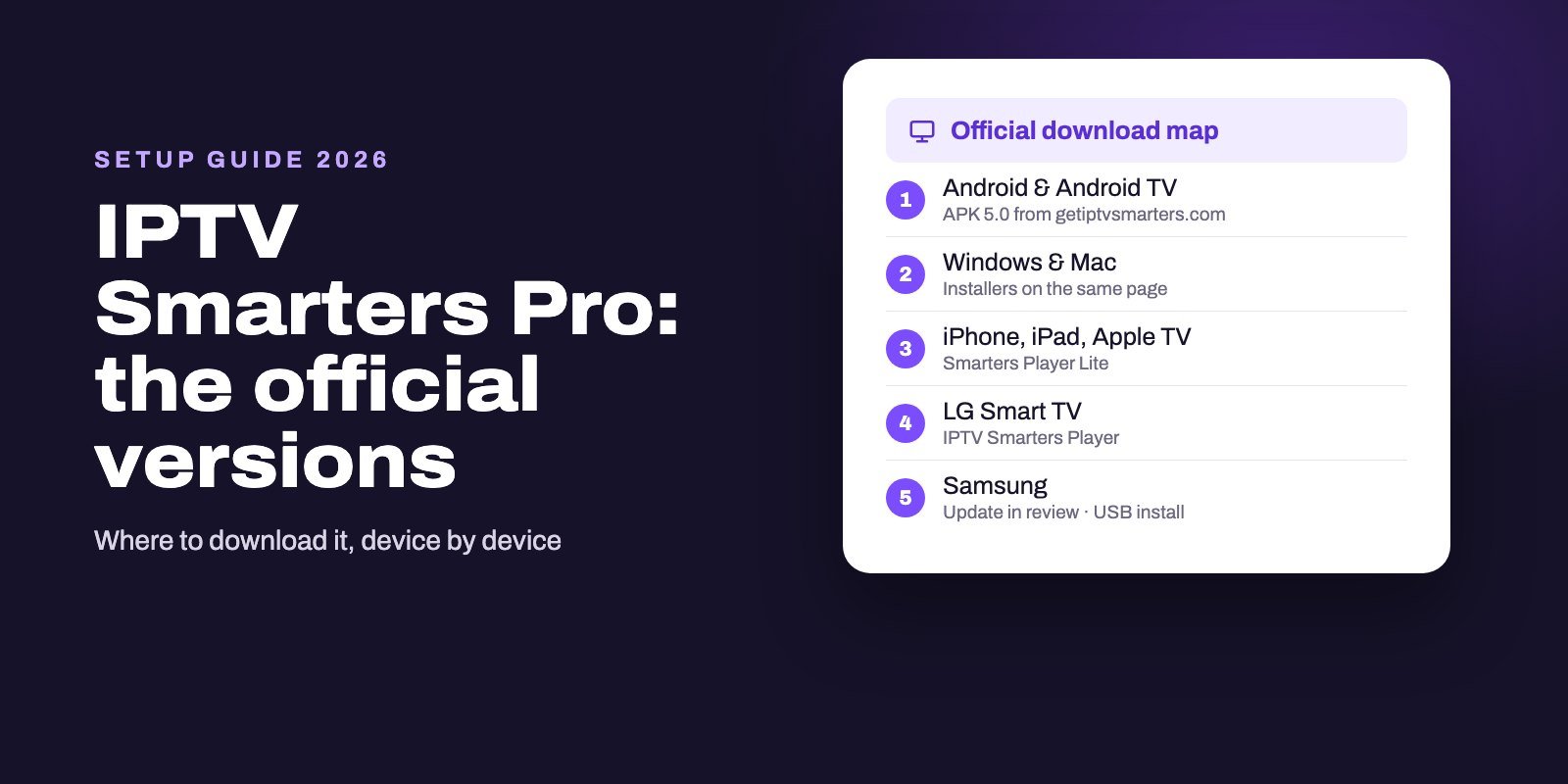
Download IPTV Smarters only from its official download page or your device's official store. The developer says the app is not distributed through any other website, and modified "pro unlocked" copies found elsewhere can behave unpredictably, login included.
Fix 8: Wait out a server problem, then ask your provider
Sometimes nothing is wrong on your side. Servers go down for maintenance, get overloaded during big live events or move to a new address, and when that happens every customer of that provider sees the same error at the same time, so no setting in the app will fix it.
Give it some time, then message your provider with three things: the exact error text, the device you use and the time it started. A provider that is still running will either confirm the outage or send you a new server address. Silence tells you something about the provider too. The official download addresses for each player are in our guide to IPTV Downloader codes.
How to stop it from coming back
Most of the fixes above take two minutes once you know where to look, and a few habits mean you will rarely need them.
Keep your login in one safe place, exactly as your provider sent it, for example in a note on your phone, and copy from that note whenever you reinstall the app or add a device instead of retyping everything with a remote. Put your expiry date in your calendar too, with a reminder a few days before, so an expired plan never surprises you on a match night.
Stick to one profile per account, because a pile of old profiles with slightly different details makes it hard to know which one is right. If the family watches on more devices than your plan allows, logins will keep failing at the busiest times, and a plan with more screens fixes that for good. Take app updates only from your device's store or the developer's own site, never from a link shared in a group. Finally, ask your provider whether they have a backup server address for the days the main one is down. It costs nothing to ask.
What to send your provider
Need help? One clear message gets a faster answer than "it doesn't work". Copy this and fill it in:
Hello, IPTV Smarters shows "Failed to authorize" on my [device] since [time and date]. My username is [username]. I checked the password, the server URL and the login type, and it also fails on [other network or device]. Can you check my account and the server?
Never send your password in a public group or a comment. Your provider already has it and should only need your username to find your account.
When it is time to change provider
If your login is correct, your plan is active, it fails on every network and your provider does not reply, the problem will not be solved inside the app. At that point the most useful thing you can do is test another service on your own TV before paying anything.
Smart IPTV App works with IPTV Smarters Pro using a standard Xtream Codes login: see our IPTV Smarters Pro subscription page. Message us on WhatsApp or Telegram, tell us your device, and we set up a free 24-hour trial in a few minutes. After payment, your login arrives 5 to 15 minutes later, and each plan covers 1 to 4 screens at the same time. Plans start at $39 for three months; all prices are on the IPTV subscription page.
Frequently asked questions
What does "failed to authorize" mean in IPTV Smarters?
It means the app tried to log in to your provider's server and the login was refused or could not be confirmed. The cause is usually in the login details, the account status or the connection to the server.
Why does IPTV Smarters say failed to authorize when my details are correct?
If every character is right, check that you used the Xtream Codes login rather than M3U, that your subscription has not expired, that no other device is using your last screen, and whether the same login works on another network.
Can an expired subscription cause failed to authorize?
Yes. When the subscription period or a trial ends, the login stops working and IPTV Smarters shows a failed login instead of a clear expiry message. Ask your provider for your expiry date.
Should I use http or https in the server URL?
Use exactly what your provider sent, including the port number. Changing http to https, or the other way round, can make a correct login fail.
Does a VPN cause failed to authorize?
It can. Turn the VPN off and try again, or pick a VPN server closer to you. Works without the VPN? Then the VPN route was the problem.
Does IPTV Smarters come with channels?
No. The developer states that IPTV Smarters Pro is a player only and includes no channels, playlists or subscriptions. You need a login from an IPTV provider.
Is there a free trial to test IPTV Smarters with another provider?
Smart IPTV App offers a free 24-hour trial that works in IPTV Smarters Pro. Message us on WhatsApp or Telegram with your device and we set it up in a few minutes.
Is IPTV Smarters Pro still working in 2026?
Yes. On October 7, 2026 the developer's official download page still offered IPTV Smarters Pro for Android and Android TV (version 5.0), macOS and Windows, and Smarters Player Lite for iPhone, iPad and Apple TV. The app shows nothing until you add a login from an IPTV provider.