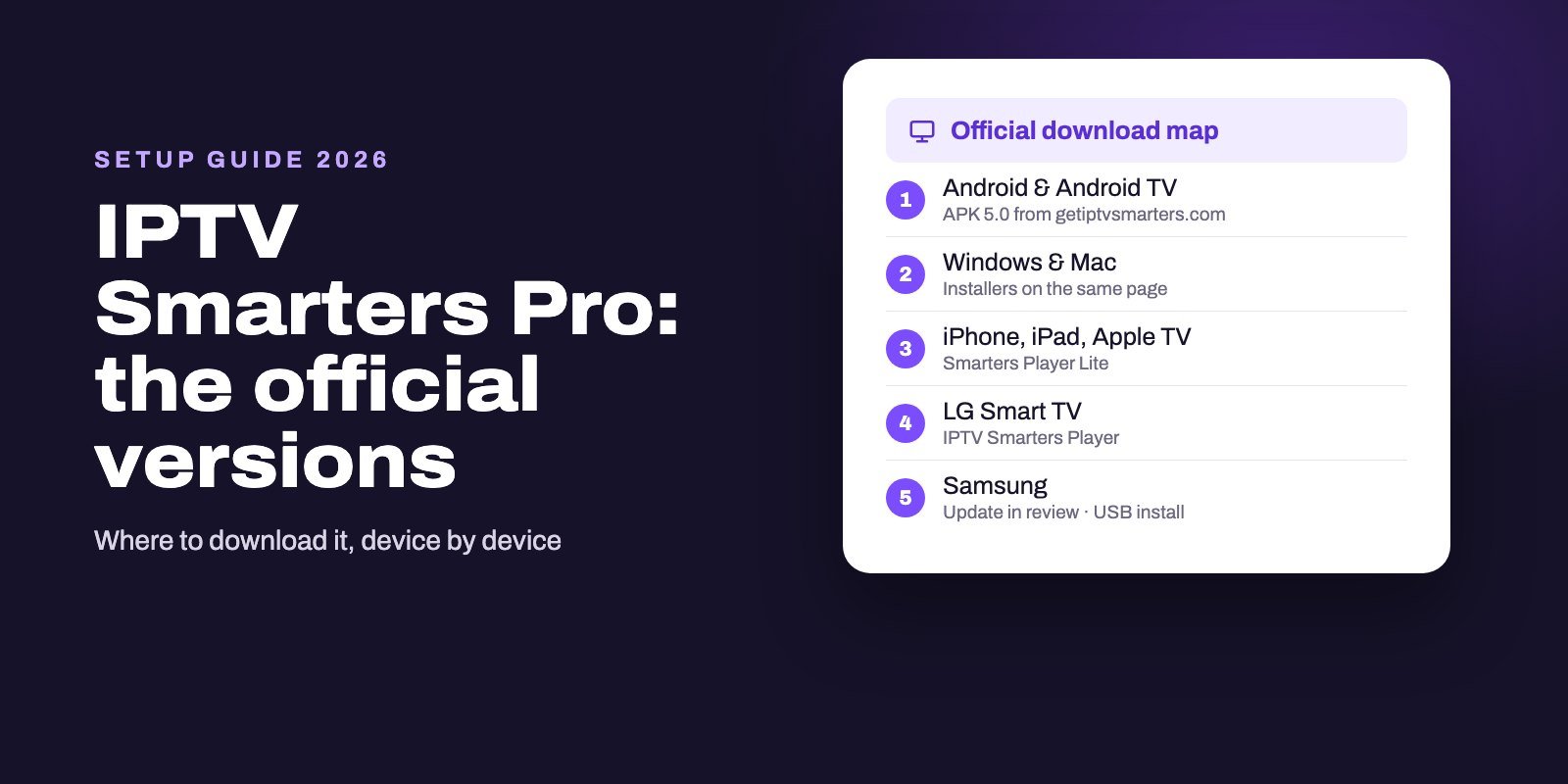
IPTV Smarters Pro is a free media player that shows the live TV, films and series from an IPTV subscription you already have. Get it from getiptvsmarters.com: the Android and Android TV app (version 5.0) and the Windows and Mac versions download straight from that site, Apple devices use Smarters Player Lite from the App Store, and LG TVs use IPTV Smarters Player from LG's store. Then sign in with the Xtream Codes details or M3U link your provider sends.
With this app, the name you type into a store is not a guarantee of what you install. The top store results for "IPTV Smarters Pro" come from publishers that the official download page never mentions, so that page, and nothing else, is your map. Follow it and the rest of the setup takes minutes.
Note: Smart IPTV App is an IPTV provider, and we promote our own service on this page. The apps and devices mentioned here are made by independent companies.
Last checked: October 11, 2026, against the developer's download page, its feature list and the App Store, Google Play and Microsoft Store listings named below. Store listings change, so check the publisher again before you install.
Where each official version lives
Short and specific: that is the developer's download page. Here is what it lists for each kind of device on October 11, 2026.
| Device | Official app name | Where to get it |
|---|---|---|
| Android phones and tablets | IPTV Smarters Pro 5.0 | APK on getiptvsmarters.com (74 MB, checksum published) |
| Android TV, Google TV, Fire OS sticks | IPTV Smarters Pro 5.0 | Android TV APK on the same page |
| Windows | IPTV Smarters Pro | Installer on the same page (125 MB) |
| Mac | IPTV Smarters Pro 1.2 | Download on the same page (72 MB) |
| iPhone, iPad, Apple TV | Smarters Player Lite | App Store, App ID 1628995509 |
| LG Smart TV | IPTV Smarters Player | LG Content Store or Apps on the TV |
| Samsung Smart TV | IPTV Smarters | Samsung app store; updated app under review, official USB install meanwhile |
Two details on that page deserve attention. According to the developer, the application is distributed through no website other than its own, and it publishes a SHA-256 checksum next to each direct download so you can confirm the file has not been altered. Version 5.0 is the Android build shown, and the changelog page says its release notes are still being updated, so the page does not tell you when the next version will come.
The look-alikes at the top of the stores
Search the big app stores for "IPTV Smarters Pro" and the first results are not the apps in the table above. On October 11, 2026, we checked who publishes the listings that Google itself ranks highest for that name:
- App Store: Smarters IPTV Pro by SmartersPlayer LLC, and Smarters Pro by Tech Smarters Private Limited.
- Google Play: IPTV Smarters Pro by SEVEERA LLC, and Smarters Pro - Mobile by Tech Smarters.
- Microsoft Store: Smarters IPTV Pro by SmartersPlayer LLC, and IPTV Smarters Pro - Smart IPTV+ by ssProx.
We are not judging their quality. Some may work well. Our point is narrower: none of them is the app the official download page sends you to, so their features, prices and support are their own. If a guide, a video or a friend tells you to "get Smarters from the store", check the publisher's name against the table first.
What the app actually does
IPTV Smarters Pro is a player. Its own website is blunt about it: the app does not run channels, host films, sell subscriptions or come with playlists, and you are responsible for the sources you add. Everything you watch comes from your IPTV provider.
Its feature list covers the rest. Content is split into Live TV, Movies and Series. You can sign in with an API login (what providers call Xtream Codes) or add an M3U playlist, and keep several sources side by side. A TV guide appears when your provider supplies EPG data, and catch-up works the same way, only if your source offers it. Then come the comfort features: multi-screen viewing on supported devices, picture-in-picture, subtitles and audio-track choice when the stream carries them, global search, favourites, parental controls, and the option to hand playback to an external player.
Installing it, device by device
Android TV, Google TV and Fire OS sticks
Because the TV version is a direct download, you need the free Downloader app first. On Google TV devices it is on Google Play. On a Fire TV stick, allow it to install unknown apps in the settings. In Downloader, enter getiptvsmarters.com, open the Download section and pick the Android TV build. Our Firestick installation guide shows each screen, including the Amazon models that no longer accept sideloaded apps, and our Android TV app comparison covers Google's new rules on installs from outside the store.
Android phones and tablets
Open getiptvsmarters.com in the phone's browser, choose the Android download and allow the browser to install it when Android asks. You get the same version 5.0 as the TV build, in a 74 MB file.
Windows and Mac
Both installers sit on the same download page, each with its checksum. Our guide to IPTV players for Windows and Mac explains how to verify the file with one command before running it, and what to do when Windows SmartScreen or macOS shows a warning.
iPhone, iPad and Apple TV
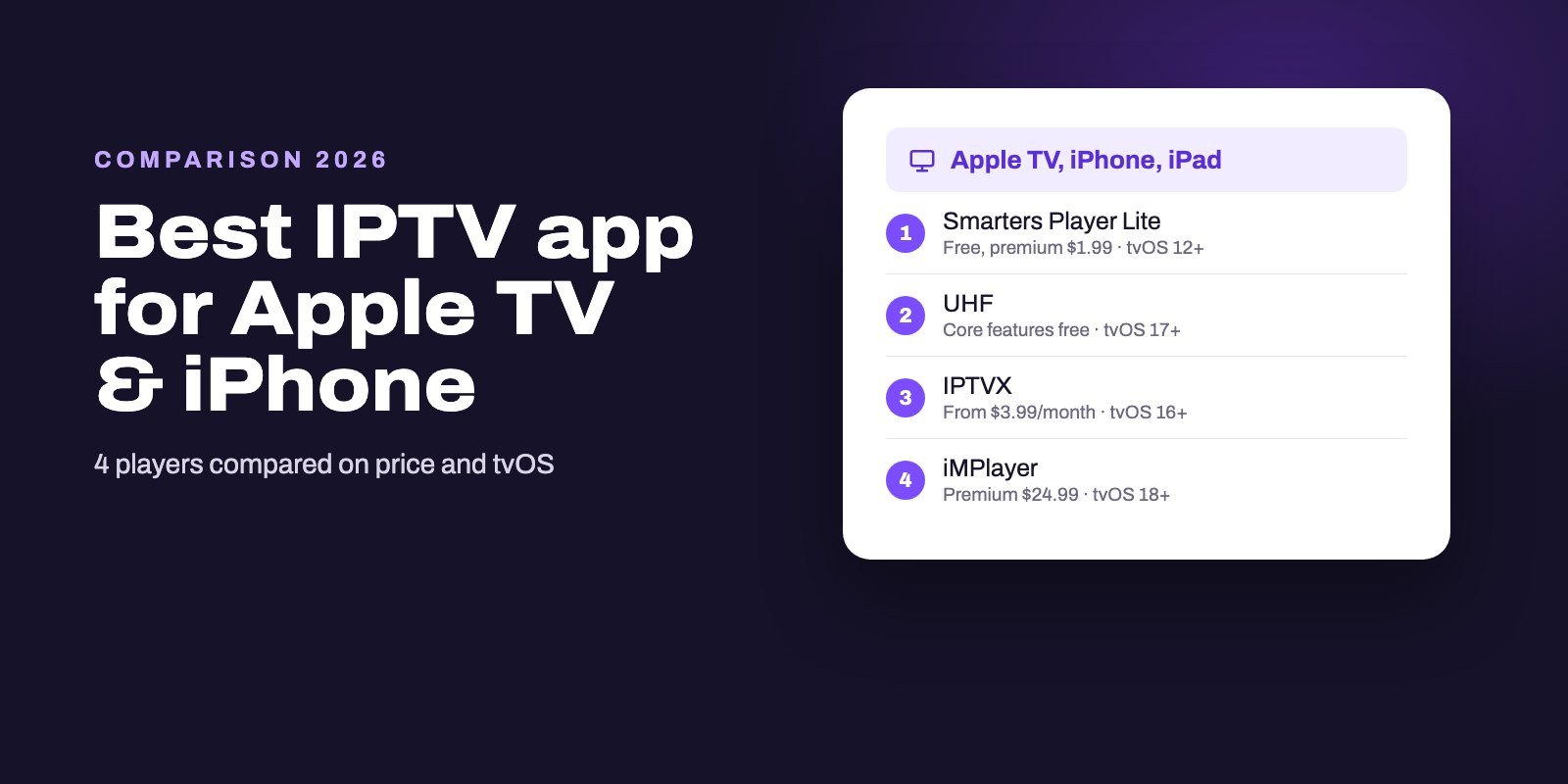
On Apple devices the official app has a different name: Smarters Player Lite, published by WHMCS SMARTERS. It is free, offers a $1.99 premium version, and needs iOS 15.6 or tvOS 12, which keeps older devices in the game. Our Apple TV and iPhone app comparison sets it against UHF, IPTVX and iMPlayer.
LG and Samsung TVs
On an LG, search the TV's store for IPTV Smarters Player, the name the developer gives for LG. On a Samsung, the developer says its updated app is under review and offers an official USB installation until it is published. Our guides for LG Smart TVs and Samsung Smart TVs walk through both.
Signing in: Xtream Codes or M3U
When the app opens for the first time, it asks how you want to add your service. Pick the option that matches what your provider sent.
- Xtream Codes (API login). Choose this when you received a server URL, a username and a password. Give the profile any name you like, paste the URL with its
http://orhttps://prefix and the port number, then the two credentials. This route usually brings the TV guide and the categories with it. - M3U playlist. Choose this when you received one long link. Paste it whole. If your provider also gave you an EPG link, add it where the app asks for a guide source.
On first sync, the app downloads the channel list and, for an API login, the film and series libraries too. On a large service that can take a few minutes. Let it finish before you judge the speed.
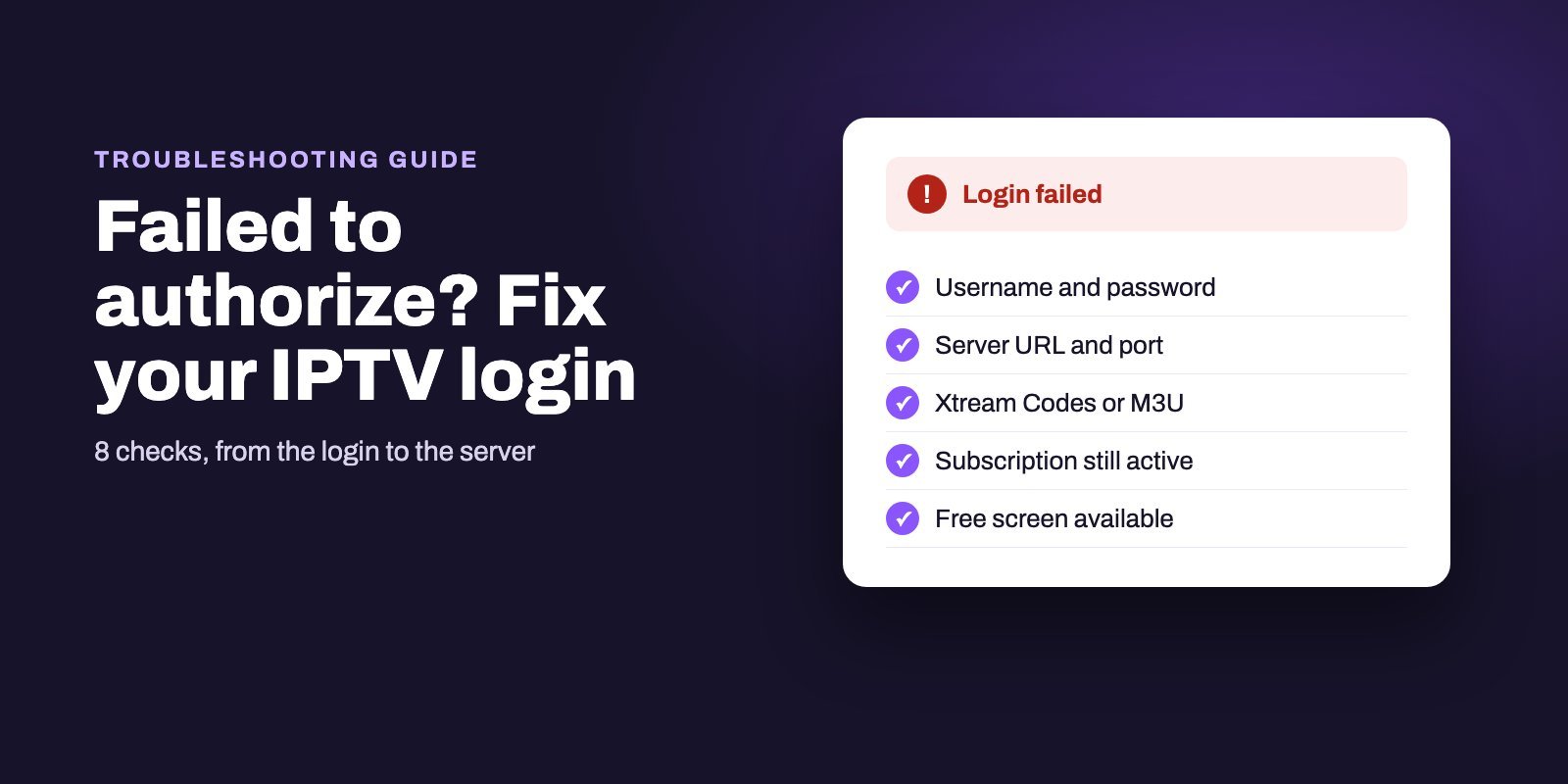
If the app refuses the login, do not reinstall it straight away. Our page on the "failed to authorize" message shows why the cause is nearly always the details or the account rather than the app.
Keeping Smarters up to date
How updates reach you depends on where the app came from. Store versions update themselves: Smarters Player Lite through the App Store, IPTV Smarters Player through LG's store, like any other app on those devices. Direct downloads do not. On Android, Android TV, Windows and Mac, a newer build only arrives when you fetch it again from the developer's page.
So once in a while, open the download page and compare the version number there with the one shown in the app's settings or about screen. If the site lists something newer, download it from the same page, check the checksum, and install it over the old one. Keep the details from your provider at hand in case the app asks for them again.
One warning applies to every platform. A "new version" offered by a pop-up, a forum link or a file-sharing site is not an update from the developer. Updates come from the developer's page or from your device's own store, nowhere else.
Is IPTV Smarters still available?
Yes. This question comes up because store listings with Smarters-like names come and go, and some videos announce that "Smarters is gone". The developer's download page, checked on October 11, 2026, still offers Android, Android TV, Windows and Mac versions, Smarters Player Lite for Apple devices and IPTV Smarters Player for LG, with a Samsung update pending review.
What has changed is the store landscape around it. When a listing you used before vanishes, the replacement you find under a similar name may come from someone else entirely. Go back to the official page rather than to the first search result.
Is it free, and what is the difference between the versions?
Android, Android TV, Windows and Mac versions download for free from the developer's site, which lists no price for them. On Apple devices, Smarters Player Lite is free with a $1.99 premium upgrade. None of this includes channels. Those come from your IPTV subscription.
Names differ by platform, not by product family. "IPTV Smarters Pro" is the name on Android, Android TV, Windows and Mac, "Smarters Player Lite" on Apple devices and "IPTV Smarters Player" on LG. Anything else carrying the Smarters name, such as "Smarters IPTV Pro" or "Smarters Pro", is not on the official download page.
When something goes wrong
The login is refused
Check each character of the server URL, the username and the password, and confirm you chose the right login type. Our eight fixes for "failed to authorize" go through the rest in order.
Channels stutter or stop
Smarters can hand a stream to an external player, which helps tell a player problem from a stream problem. For the network side, our IPTV buffering guide starts by locating the weak link.
The guide is blank
No source data, no guide. With an API login it normally arrives on its own, while an M3U playlist may need a separate guide link, as our EPG explainer describes.
You cannot find it on Google Play
That is expected. Its developer distributes the Android and Android TV app from its own site, and the Google Play listings with similar names are not on its download page.
A subscription built for Smarters
Smart IPTV App sells IPTV subscriptions, and every plan comes with both an Xtream Codes login and an M3U link, so it fits Smarters on any of the platforms above. Our IPTV Smarters Pro subscription page explains the setup step by step. You can try it for 24 hours free before paying, and once you subscribe your details reach you by WhatsApp or email in 5 to 15 minutes, for one to four screens depending on the plan. All plans are on the IPTV subscription page.
Frequently asked questions
Where can I download IPTV Smarters Pro safely?
From getiptvsmarters.com. Its download page offers the Android, Android TV, Windows and Mac versions directly, points Apple users to Smarters Player Lite and LG owners to IPTV Smarters Player.
Is IPTV Smarters Pro on Google Play?
Its developer distributes the Android app from its own website, and the Google Play listings named IPTV Smarters Pro or Smarters Pro come from other publishers, such as SEVEERA LLC and Tech Smarters.
Is IPTV Smarters Pro free?
Yes, the Android, Android TV, Windows and Mac versions are free downloads. Smarters Player Lite on Apple devices is free with a $1.99 premium option. Channels are not included.
What is the difference between IPTV Smarters and IPTV Smarters Pro?
They are platform names for the same player family: IPTV Smarters Pro on Android, Windows and Mac, Smarters Player Lite on Apple devices and IPTV Smarters Player on LG TVs.
Does IPTV Smarters Pro include channels?
No. It is a media player only, and its developer says it does not sell or bundle channels, playlists or subscriptions. You add the login from your IPTV provider.
Can I use IPTV Smarters Pro on a Firestick?
Yes, on Fire OS models, by installing the Android TV version with the Downloader app. New Amazon sticks running Vega OS cannot install it.
Why does IPTV Smarters say failed to authorize?
Your provider's server refused the login or did not answer. Check the server URL with its port, the username, the password and the login type before anything else.