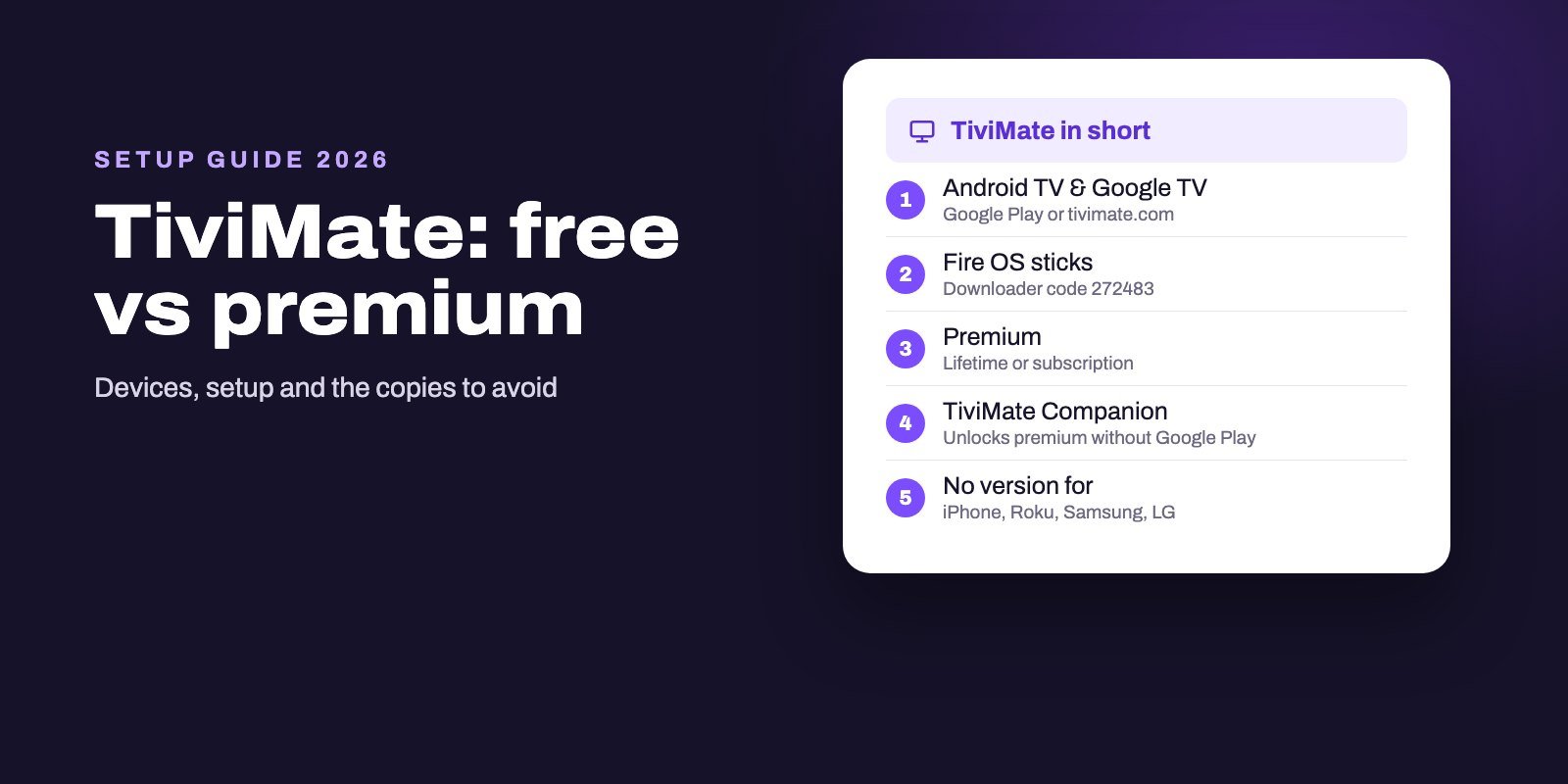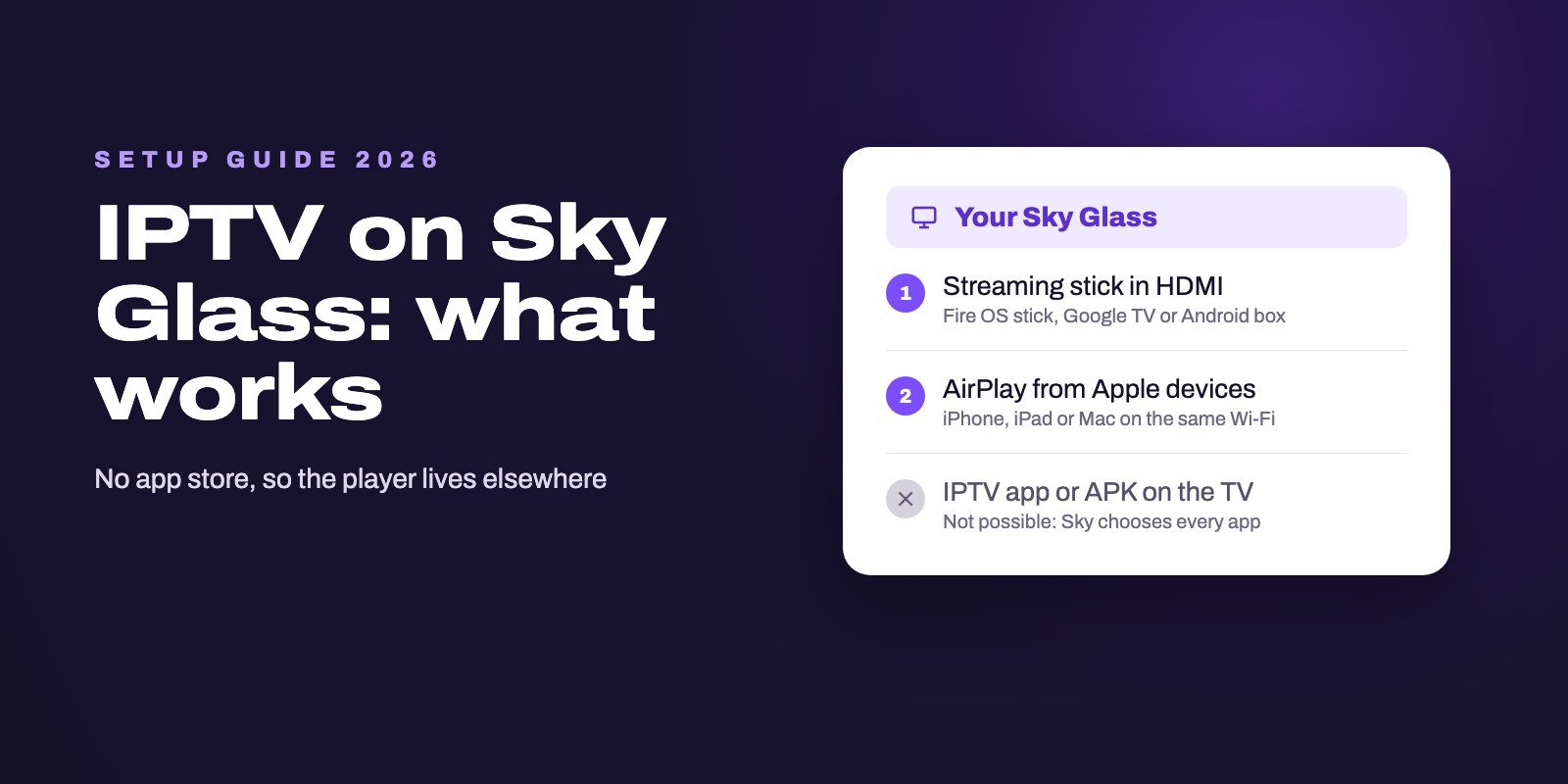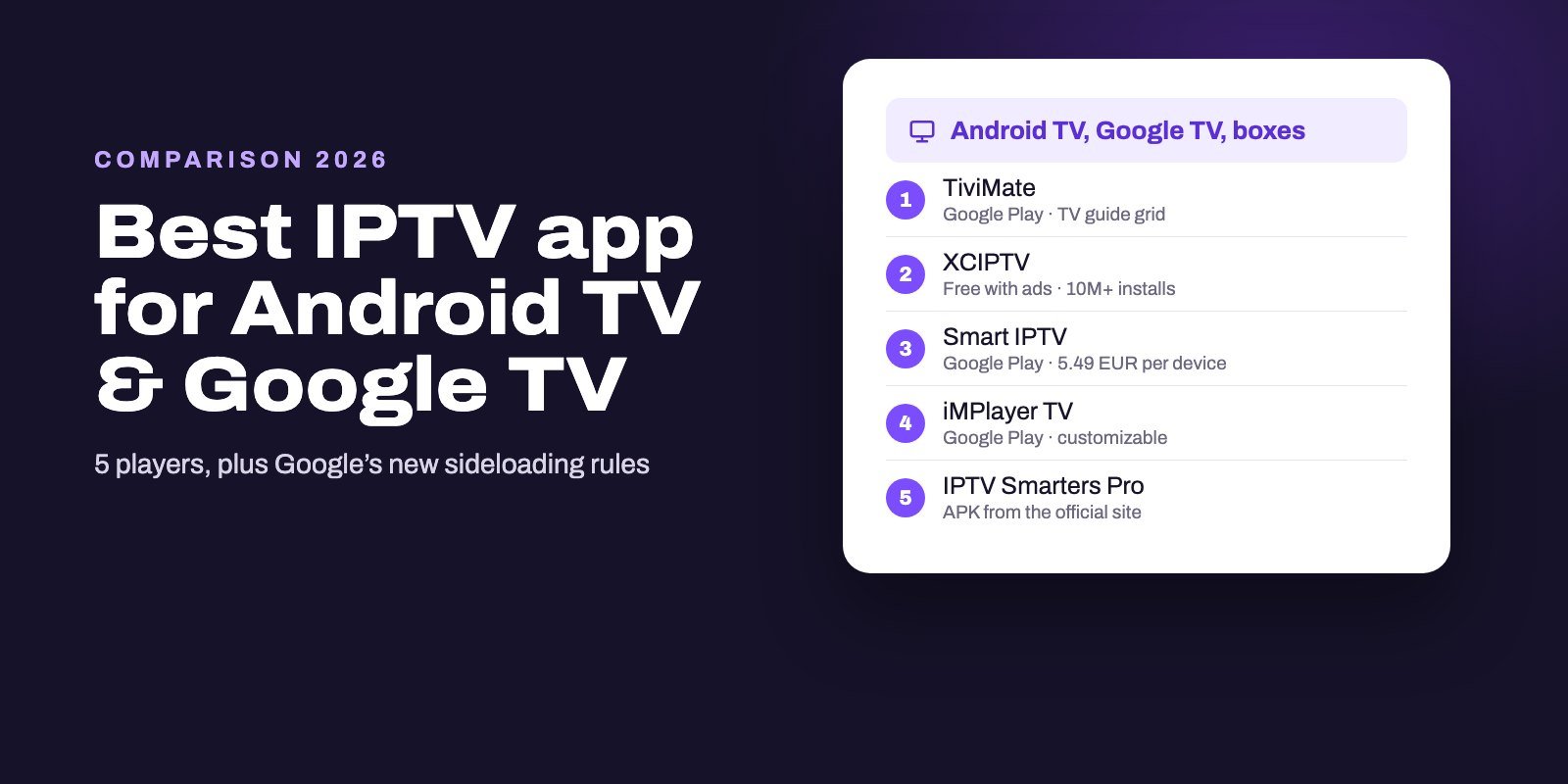
TiviMate is the best IPTV app for most Android TV and Google TV devices. It is on Google Play, built for TV remotes, reads M3U links, Xtream Codes and Stalker portals, and shows a fast TV guide grid. XCIPTV is the strongest free alternative if you accept ads, Smart IPTV and iMPlayer TV are on Google Play too, and IPTV Smarters Pro comes as an APK from its official site. The same apps run on Android boxes, Google TV streamers and smart TVs that use Google TV.
Android TV is the easiest IPTV platform for one simple reason: the good players are in the official store. Install from Google Play first and sideload only what is not there, because Google is tightening the rules for apps from unverified developers, starting on September 30, 2026 in four countries and worldwide from 2027.
Note: Smart IPTV App is an IPTV provider, and we promote our own service on this page. The apps and devices mentioned here are made by independent companies.
Last checked: October 9, 2026, on Google Play (developer, downloads, rating, ads and in-app purchases), Google TV Help, the Android developer verification page, getiptvsmarters.com and siptv.app.
Why Android TV is the easiest place for IPTV
On a Samsung, an LG or a Roku, you take whatever the TV's store happens to offer. On Android TV and Google TV, the best-known IPTV players sit in Google Play, they update themselves, and the remote works the way their developers expect. Nothing to hack. Nothing to sideload for the main apps.
Installing one is the same as installing Netflix. Google TV Help describes two ways: press the Assistant button or select Search on the home screen and say or type the app's name, or scroll to the Apps tab at the top of the home screen and browse. Then select Install.
This covers Android boxes, Google TV streamers and the many smart TVs from Sony, TCL, Philips, Hisense and others that run Google TV or Android TV. Amazon's Fire TV sticks run a different system and have their own rules, which our Firestick guide explains.
The five players compared
| Where to get it | Downloads | Price model | Stands out for | |
|---|---|---|---|---|
| TiviMate | Google Play, Armobsoft FZE | 5M+ | Free, premium in the app | TV guide grid, multiple playlists |
| XCIPTV | Google Play, OTTRUN | 10M+ | Free with ads | Two built-in players, phones too |
| Smart IPTV | Google Play, siptv.app | Not compared | Trial, then 5.49 EUR once per device | Playlist managed from a website |
| iMPlayer TV | Google Play, HzApps | 500K+ | Free, purchases in the app | Customizable layout |
| IPTV Smarters Pro | APK from getiptvsmarters.com | Not on Google Play | Free | Separate live, film and series sections |
Download counts and ratings come from the US Google Play store on October 9, 2026, where TiviMate is rated 4.2 from 8,390 reviews, XCIPTV 4.0 from 48,300 and iMPlayer TV 4.2 from 5,550.
1. TiviMate: the reference for live TV
TiviMate IPTV Player by Armobsoft FZE is our pick for live TV on Android TV. Its Google Play listing names the essentials, starting with an interface designed for large screens, support for M3U playlists, Xtream Codes and Stalker portals, a TV guide shown as a fast grid, several playlists you can switch between, and favorites. It was last updated in June 2026.
The app is free to install, and some features are sold inside it as premium, so check what you get in the app before buying and test with a real login first.
- Open Google Play on the TV and search for TiviMate IPTV Player. Check that the developer is Armobsoft FZE.
- Install and open it, then choose to add a playlist.
- Pick Xtream Codes and type the server address character for character, with
http://and the port, then your username and password. - Confirm and wait for the channels and the guide to load. The first time can take a minute or two.
For the same app on a Fire TV stick, our comparison of Firestick players covers TiviMate's install code and the alternatives.
2. XCIPTV: the free alternative, with ads
XCIPTV PLAYER by OTTRUN is the most downloaded player in this list, with more than 10 million installs. It runs on Android TV, phones and tablets, ships two built-in playback engines (ExoPlayer and VLC), and supports a TV guide for Xtream Codes logins. The trade-off is clear on its listing: it contains ads.
- Install XCIPTV PLAYER by OTTRUN from Google Play.
- Open it and, on the login screen, enter any name, then your server address, username and password.
- Sign in. Live TV, films and series appear in separate sections.
If one engine stutters on a channel, try the other in the settings before you blame the stream.
TiviMate or XCIPTV? Let your own box decide
Both are free to install. No need to guess: put the same login in each, then spend one evening switching between them. Watch a busy live channel, open the guide a few hours ahead, start a film and stop it halfway. The app that feels quicker on your box, with your remote, is the right one, even if a review somewhere says otherwise. Hardware matters. A player that flies on a recent Google TV streamer can feel heavy on an older box with little memory, and the only way to know is to try it there.
3. Smart IPTV: one license, managed from a website
Smart IPTV's Android instructions point to its Google Play listing for Android TV devices. It works the way it does on Samsung and LG: the app shows a MAC address, and you send your playlist from a computer or phone on the My List page.
- Install Smart IPTV from Google Play and open it. Note the MAC address.
- On siptv.app, open My List, enter the MAC and add your M3U link or Xtream details.
- Restart the app on the TV.
Once the trial ends, Smart IPTV costs 5.49 EUR, paid once per TV or device. That license is tied to the device, so test on the box or TV you will actually keep.
4. iMPlayer TV: for people who like to customize
iMPlayer TV comes from HzApps, the team behind iMPlayer on phones and on Apple devices, and it has more than 500,000 installs, a 4.2 rating and an update from late September 2026. Its listing focuses on a modern, highly customizable interface for organizing and browsing your sources, and some features are sold inside the app.
Choose it if you like rearranging layouts and categories. Choose TiviMate if you mostly want the guide to open fast and stay out of the way.
5. IPTV Smarters Pro: from the official website only
This is where Android needs care. The official IPTV Smarters download page offers the Android and Android TV app as a direct download, version 5.0, 74 MB, with a SHA-256 checksum, and says the app is only distributed through that site. Meanwhile, a Google Play search for "IPTV Smarters" returns more than fifteen apps with similar names from about a dozen different publishers.
So you install the real one as an APK:
- Install Downloader by AFTVnews from Google Play. It is free, with ads, and has more than 50 million installs.
- Allow Downloader to install apps. On most Android TV devices this sits under Settings, Apps, Security & restrictions, then an option such as Unknown sources, where you switch on Downloader. Menu names vary between brands.
- Open Downloader, type getiptvsmarters.com, open the Download page and choose the Android TV version.
- Install it, then delete the installation file when Downloader offers to.
- Open the app, choose the Xtream Codes login and enter your details.
Other official players and their codes are in our list of IPTV Downloader codes.
Google is tightening the rules on sideloading
Installing apps from outside Google Play is about to get stricter. Know this before you build your setup around APK files.
Google calls it Android developer verification. Apps will need to be registered by verified developers before they can be installed on certified Android devices. The first protections started on September 30, 2026, for people installing apps from participating stores in Brazil, Indonesia, Singapore and Thailand, on certified devices running Android 7 or later. Google plans to expand it worldwide in 2027.
Power users keep a way through. Google's help page describes a developer option called "Allow apps from unverified developers", with a 24-hour security delay before it takes effect, and a warning you can pass with "Install anyway". Google's page does not say whether TV devices are covered, so treat that as open for now.
Google Play Protect already watches sideloaded apps on Android TV. According to Android TV Help, it checks your device for potentially harmful apps from other sources and may ask to send unknown apps to Google for review.
The practical lesson is simple. Build your setup on store apps such as TiviMate, XCIPTV, Smart IPTV or iMPlayer TV, and keep APK installs for official downloads from the developer's own site.
Choosing an Android box for IPTV
"Best Android box for IPTV" is a popular search, and the honest answer is less about brands than about four checks.
- Google Play on board. A certified Android TV or Google TV device comes with Google Play and Play Protect, which is what makes the store apps above available. Boxes sold with a different store, or with IPTV apps already installed, deserve suspicion.
- An Ethernet port. A cable is the single biggest help against buffering. Many boxes have one; most small sticks need an adapter.
- A recent Android version. Players drop support for old systems over time, and the developer verification rules apply to devices from Android 7 up.
- Enough storage. Guides and caches grow. A box that is full after three apps will slow down.
If you already own a Fire TV stick, check its model first: some new ones run Vega OS and cannot install IPTV players at all, as our Firestick guide explains.
Common problems on Android TV
The login is refused
Copy the details again rather than typing them and check the login type you picked. Every possible cause is covered in our failed to authorize guide.
Channels buffer
Try a cable, then the other playback engine if your player has two, and if that fails, work through our buffering checklist, which first tells you whether the box, the Wi-Fi or the server is to blame.
The guide is empty or shifted
Xtream logins usually bring the guide with them. With an M3U link, add the EPG link from your provider, as our IPTV EPG guide explains.
Downloader cannot install the file
Check that Downloader is allowed to install apps, that the file came from the developer's site, and that Play Protect has not flagged it. If a warning appears, stop and read it rather than tapping through.
Let a trial pick your player
TiviMate and XCIPTV are both free to install, so the only thing missing for a fair comparison is a working login. Ask for our free 24-hour trial, put it in both apps on your own box and keep the one that feels faster.
Smart IPTV App is a subscription service, separate from the Smart IPTV player above. We send Xtream Codes details or an M3U link by WhatsApp or email, between 5 and 15 minutes after payment, and a plan stretches to four devices at once, so the living-room box and a phone can share it. Plans are on the IPTV subscription page, and the rest of the house is covered in our setup guide for every device.
Frequently asked questions
What is the best IPTV app for Android TV?
TiviMate in most cases: it is on Google Play, built for TV remotes and has a fast guide grid. XCIPTV is the best-known free alternative, with ads.
Is TiviMate free?
It is free to install from Google Play, and some features are sold inside the app as premium. Test it with a real login before buying.
Is IPTV Smarters Pro on Google Play?
The developer distributes its Android TV app only from getiptvsmarters.com. Apps with similar names on Google Play come from other publishers.
Can I sideload IPTV apps on Google TV?
Yes, with an app such as Downloader and the install permission switched on. Google is tightening rules for apps from unverified developers, from September 30, 2026 in four countries and worldwide from 2027.
What is the best Android box for IPTV?
A certified Android TV or Google TV device with Google Play, an Ethernet port, a recent Android version and enough storage. Avoid boxes sold with IPTV apps already installed.
Does Smart IPTV work on Android TV?
Yes. It is on Google Play for Android TV devices, and after the trial the developer charges 5.49 EUR once per device.
Do these apps work on Android phones too?
XCIPTV and iMPlayer have phone versions. TiviMate's developer designs it for TV screens and remotes, so a phone-first player is a better choice there.