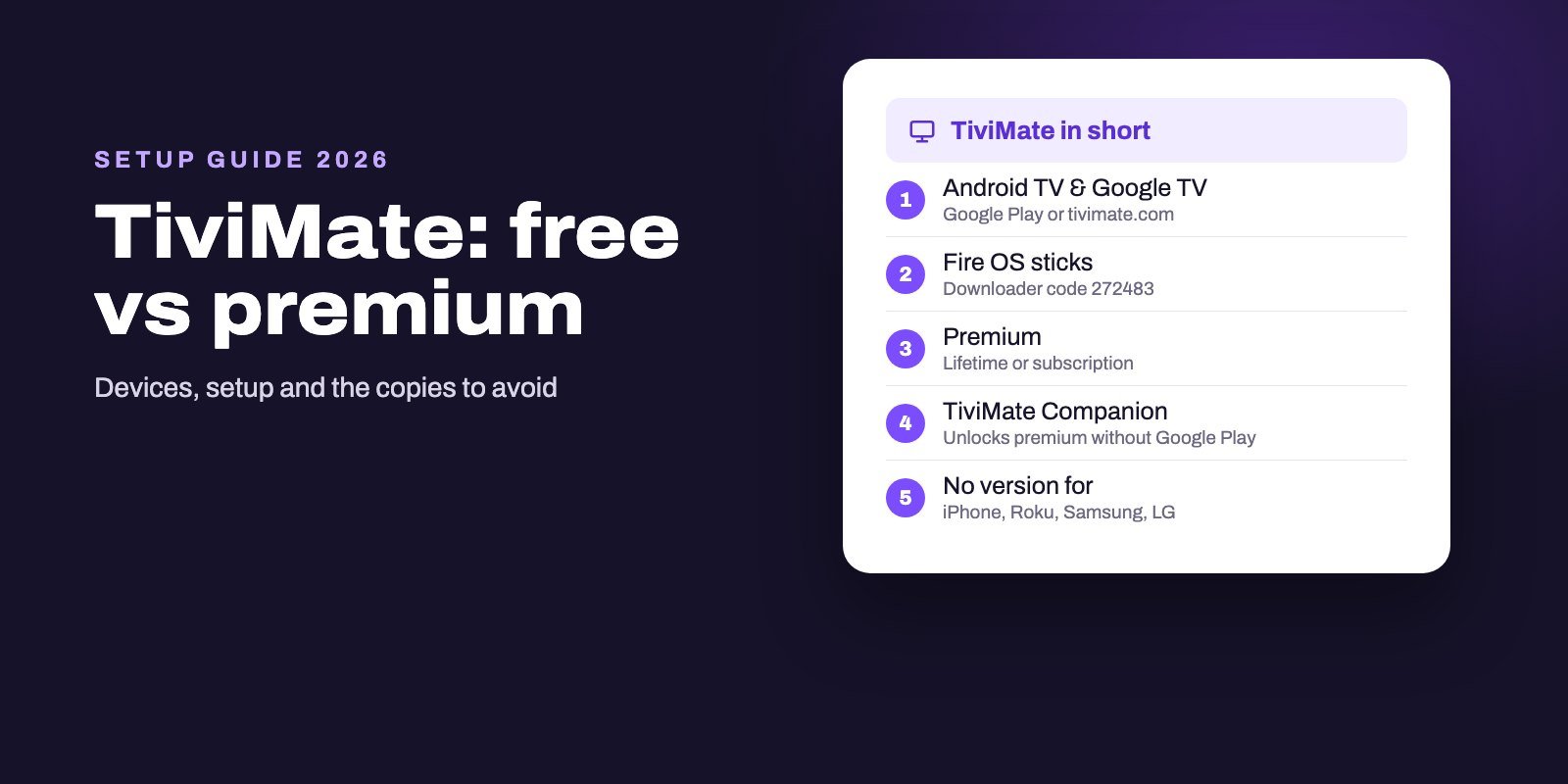
TiviMate is an IPTV player for Android TV devices, made by Armobsoft FZE. You can install it for free from Google Play or as an APK from tivimate.com (Downloader code 272483), and a paid upgrade, sold either as a lifetime purchase or as a subscription, unlocks extra features. It reads M3U links, Xtream Codes and Stalker portals and shows a fast TV guide grid, but it comes with no channels, and there is no version for iPhone, Apple TV, Roku, Samsung or LG.
Here is the catch: neither TiviMate's website nor its store listing says which features are free, which are premium or what premium costs. You only see that at the moment you buy. So the sensible order is to install it free, add your real login, live with it for a few evenings, and pay only once you know exactly what you are paying for.
Note: Smart IPTV App is an IPTV provider, and we promote our own service on this page. The apps and devices mentioned here are made by independent companies.
Last checked: October 11, 2026, against tivimate.com, its terms of use, the Google Play listings of TiviMate and TiviMate Companion, and the App Store. Prices are not quoted because the developer does not publish them outside the app.
What TiviMate is, and what it is not
TiviMate is a player in the strict sense. Its official site puts it in capitals: the app provides no content, is not affiliated with any content provider, and any paid upgrade unlocks application features only, never channels or streams. Everything on screen comes from the playlist you add.
What it does well is organize that playlist for a television. Its developer lists several playlists you can switch between, favorite channels, search, multiview to watch more than one channel at once, catch-up, recording, parental controls and a layout you can adjust. Its Google Play listing adds the formats: M3U playlists, Xtream Codes and Stalker portals, with the program guide shown as a grid.
It is also deliberately limited to one kind of device. In the developer's words, TiviMate is intended for Android TV devices and is not optimized for phones and tablets. That single sentence answers most of the "can TiviMate be installed on…" questions people type into Google.
Which devices can run TiviMate?
| Device | TiviMate? | What to do |
|---|---|---|
| Android TV and Google TV boxes, streamers and TVs | Yes | Google Play, or the APK from tivimate.com |
| Fire TV sticks on Fire OS | Yes | Downloader app, code 272483 |
| New Fire TV sticks on Vega OS | No | Sideloading is blocked on these models |
| Android phones and tablets | Not optimized for touch | A touch-first player works better |
| iPhone, iPad, Apple TV | No | See our Apple app comparison |
| Roku, Samsung, LG | No | A store player, or an Android TV stick in an HDMI port |
| Windows and Mac | No official version | Use a computer player instead |
If your device is in a "no" row, you have two choices. Pick a native player, using our guides for Apple devices, Roku, Samsung, LG or computers. Or plug an Android TV stick into the TV and get TiviMate after all.
Google Play or the APK?
Both come from the same developer and both are offered on the official site, which describes the difference in one short line: the version you install directly "has fewer restrictions and checks for updates". In return, the Google Play version updates through the store like any other app.
Our rule of thumb is practical. On a Google TV or Android TV device that has Google Play, use the store, because it is the simplest way to stay up to date. On a Fire OS stick, which has no Google Play, the APK is the route, through the Downloader app. And whatever you pick, get it from tivimate.com or Google Play only: "premium unlocked" builds shared elsewhere are modified copies, not TiviMate.
Setting up TiviMate step by step
- Install it. On a Google TV or Android TV device, search Google Play for TiviMate IPTV Player and check that Armobsoft FZE is the developer. On a Fire OS stick, open Downloader and enter 272483, which leads to the official APK; our Firestick guide shows how to allow Downloader first.
- Add a playlist. On first launch TiviMate asks for one. Choose Xtream Codes if your provider sent a server, a username and a password, M3U if you received one long link, or Stalker portal if that is what your service uses.
- Type the details carefully. For Xtream Codes, the server goes in with its
http://and its port, and a single wrong character is enough for a refusal. - Let the guide load. TiviMate downloads the channel list and the program data, which can take a minute or two on a big service. With Xtream Codes the guide usually arrives with the login; with M3U you may need to add a separate EPG link.
- Make it yours. Hide the channel groups you never watch, mark favorites, and adjust the layout. Personalization is on the developer's list of core features for a reason.
If a login is refused, our page on the "failed to authorize" message covers the causes, which are the same in TiviMate as in Smarters.
Free or premium: what we can confirm
Everyone asks this. The honest answer fits in a short list, and every point below comes from the developer's own documents.
- Two ways to pay. According to the terms of use, TiviMate offers a one-time lifetime purchase and one or more auto-renewing subscriptions, monthly or yearly for example.
- Prices appear at checkout. According to the terms, the plans, their billing periods and their prices are shown at the point of purchase. Neither the website nor the Google Play listing publishes a price list, which is why we do not quote one.
- Refunds depend on where you paid. Purchases through an app store follow that store's refund policy. Purchases made directly on TiviMate's website are final, with refunds granted only case by case at the developer's discretion.
- The license is personal. It covers devices you own or control and cannot be transferred.
- Premium never includes channels. It is repeated everywhere: paying unlocks app features, not content.
What the official documents do not do is split the feature list into free and premium. Inside the app, a locked feature tells you so when you reach it, and that is the most reliable place to check. Many websites publish their own lists. Treat them as reports, not as the developer's word.
So how do you decide? Use the free version with your real playlist for a few evenings, and if you keep hitting a locked feature you want, the upgrade has earned its price. If you never do, keep your money. And if you plan to keep TiviMate for years, compare the lifetime price shown in the app with the subscription before choosing.
Lifetime or subscription, then? A subscription asks for less at the start and you can stop it whenever you like, through the store you paid in. A lifetime purchase asks for more once and then never again. If you are not sure you will still use TiviMate next year, or still own an Android TV device, the subscription is the safer bet. If you already know it is the player you want for the long run, the single payment puts an end to renewals. Either way, decide after the test, not before.
What is TiviMate Companion?
TiviMate Companion is a separate app by the same developer, with more than a million installs on Google Play. Its listing explains its job in one line: it unlocks TiviMate's premium functions on devices without Google Play and lets you manage your activated devices. It is not a player, and installing it alone shows you nothing.
You need it mainly with a Fire OS stick, where TiviMate comes from the APK and there is no Google Play account on the device to buy through. On a Google TV with Google Play, the purchase can happen in the store itself.
The copies with almost the same name
TiviMate's popularity attracts imitators, and the store results prove it. On October 11, 2026, the US App Store offered an app called "Tivimate - IPTV & M3U Player" by a publisher named Anna Mathew, a "TiviMato Player Pro" by HFR TECH LLC and a "TvMate Pro" by Grace Martin. TiviMate itself has no Apple version, so none of these is the real app. A "TiviMato Player Pro" listing also appears in Microsoft Store results, and Google ranks an unofficial guide site with a TiviMate-style address among its top results.
The rule that protects you is simple. Only Armobsoft FZE publishes the genuine app, through Google Play or tivimate.com. A listing with a similar name on any other store is something else.
Fixing the usual problems
The guide shows "No information"
Your provider's EPG supplies the schedule. If it stays empty, refresh it from the playlist settings, and with an M3U playlist check that a guide link is attached. Our EPG explainer covers mismatched channels and wrong times.
The playlist will not load
Re-enter the server, username and password, confirm the playlist type, and make sure your subscription is active, and if the same playlist loads on another device but not in TiviMate, look for a typing error.
Channels freeze
Look at the connection before the app. Our buffering guide walks through the checks, starting with the Wi-Fi behind the TV.
Recordings fail or stop
Recording needs free storage. A Firestick has little, so check the space left before recording long programs.
Is TiviMate legal and safe?
TiviMate is a media player, comparable to any video app, and its terms leave the content question with you: you are responsible for the playlists you add, and the developer says it does not endorse illegal sources. Whether watching a given service is legal depends on that service holding the rights to what it streams, and on the law where you live.
As for safety, the risk comes from where you get the app, not from the app itself. Install it from Google Play or tivimate.com, avoid modified "premium" builds, and buy upgrades only inside the genuine app or through TiviMate Companion.
Is there a better app than TiviMate?
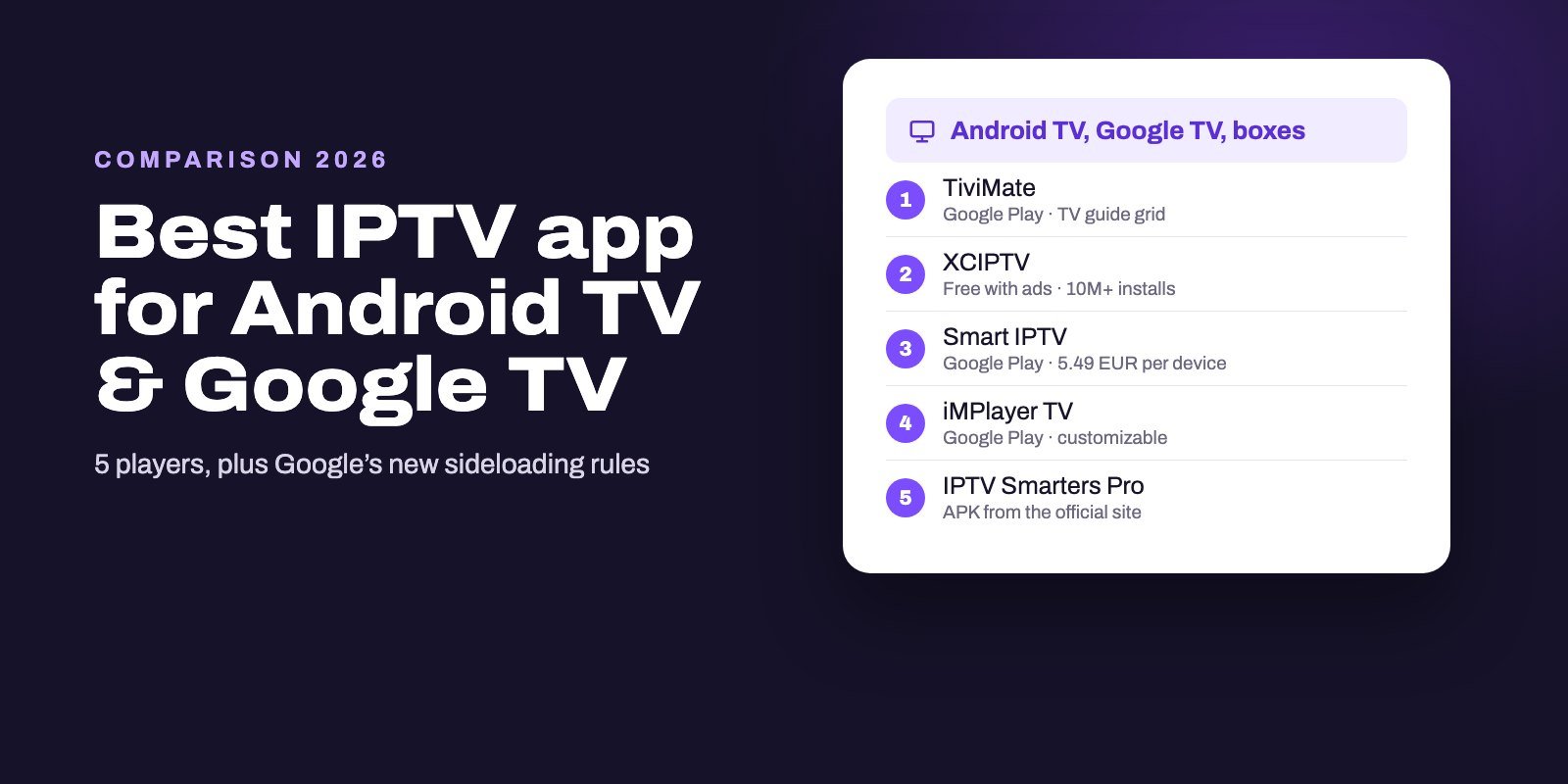
For live TV on an Android TV device, TiviMate is our first choice, and its guide grid is the reason. Other players win on other ground: IPTV Smarters Pro for a library-style layout, XCIPTV if you want something free and do not mind ads, iMPlayer if you like rearranging everything. Our comparisons for Firestick and Android TV put them side by side, and on devices TiviMate does not support, the right answer is a different app anyway.
Try TiviMate with a real playlist
A player is only as good as what you feed it, so test TiviMate with a working login before judging it, or before paying for premium. Smart IPTV App provides Xtream Codes details and an M3U link with every plan, which covers all three ways TiviMate adds a playlist. Our IPTV for TiviMate page explains the plans in detail. Start with our free 24-hour trial; after purchase, the login reaches you by WhatsApp or email within 5 to 15 minutes, for one to four devices. Plans are listed on the IPTV subscription page.
Frequently asked questions
Is TiviMate free?
It is free to install from Google Play or tivimate.com. Some features require a paid upgrade, sold as a lifetime purchase or a subscription, and the app shows which ones when you reach them.
How much does TiviMate Premium cost?
Plans and prices appear at the point of purchase, not on the website or the store listing. Check the current price inside the app before you choose between lifetime and subscription.
Can I install TiviMate on a Firestick?
Yes, on Fire OS models, with the Downloader app and code 272483. Fire TV sticks running Vega OS cannot install it.
Is TiviMate available on iPhone, Apple TV or Roku?
No. TiviMate is built for Android TV devices only. Apps with similar names on the App Store come from other publishers.
What is TiviMate Companion used for?
It unlocks TiviMate Premium on devices without Google Play, such as Fire TV sticks, and manages your activated devices. It is not a player.
Can I get a refund on TiviMate Premium?
Store purchases follow that store's refund policy. Purchases made on TiviMate's website are final, with exceptions only at the developer's discretion.
Does TiviMate include channels?
No. It is a media player only. You add the playlist or login from your IPTV provider.