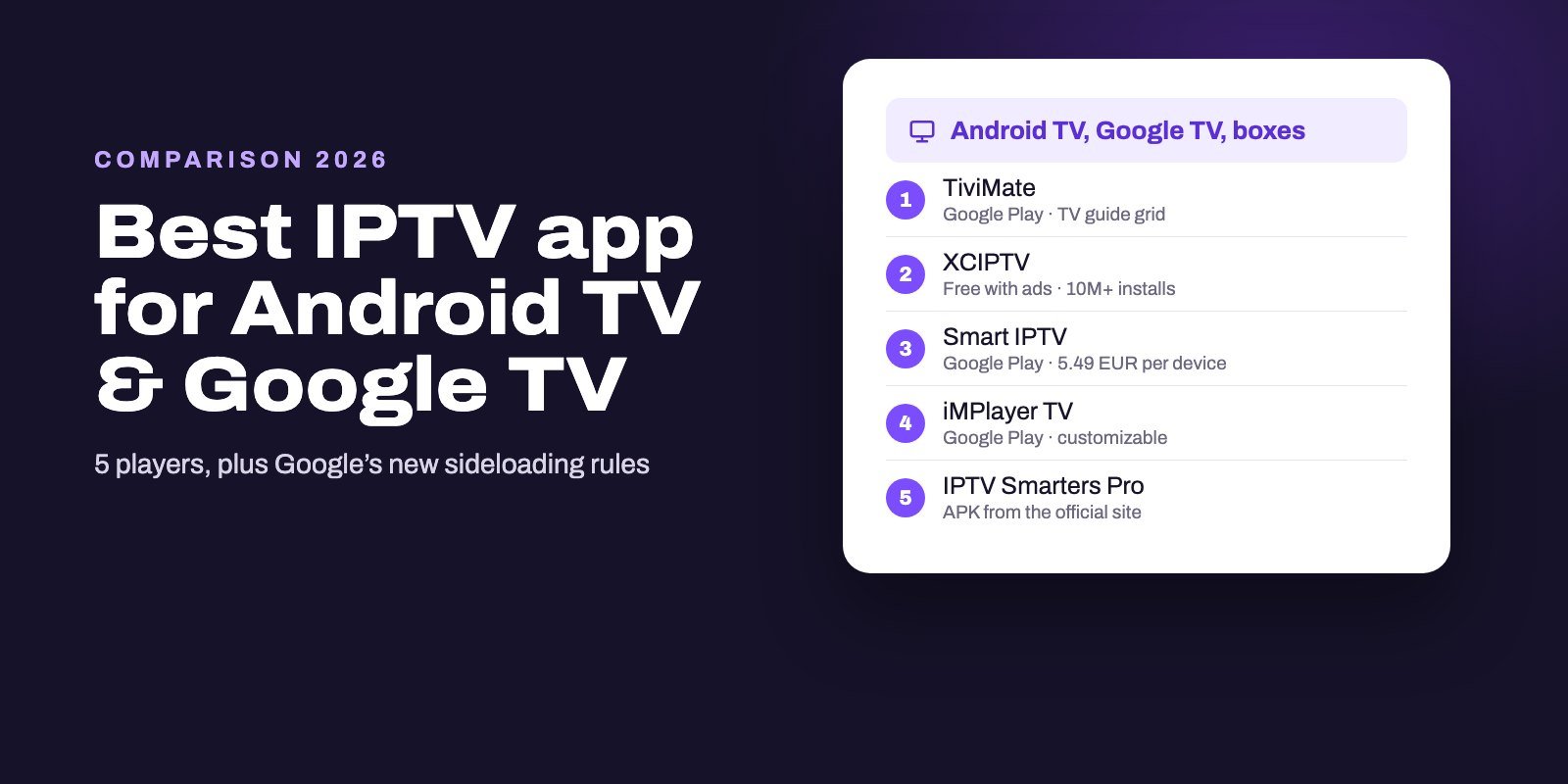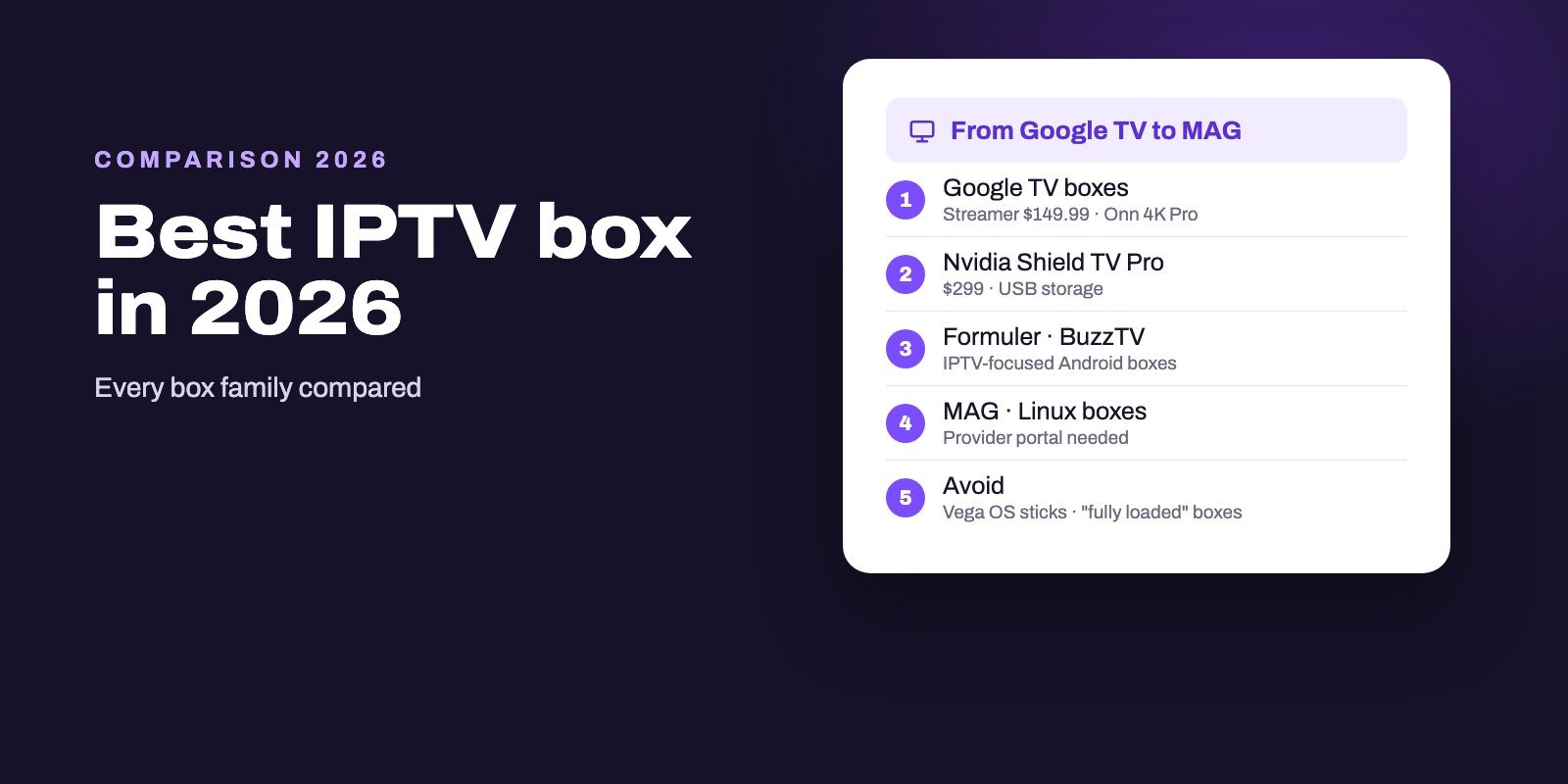
In most homes, the best IPTV box is a certified Google TV or Android TV device with an Ethernet port, such as the Google TV Streamer ($149.99) or the Nvidia Shield TV Pro ($299), because it runs TiviMate and every major player straight from Google Play. Budget buyers can look at the Onn 4K Pro or a Fire TV Stick 4K Max. IPTV-focused boxes such as Formuler's Z12 series and BuzzTV add their own IPTV apps, Linux boxes like MAG connect to provider portals, and the Apple TV 4K suits Apple households. No box includes channels.
Brand names matter less than three checks: the box must still accept the players you want, connect by cable, and come from a manufacturer that updates it. Fail one of those and an expensive box becomes a frustrating one, which is exactly what happens to buyers of new Vega OS Fire TV sticks or of unbranded boxes sold "fully loaded".
Note: Smart IPTV App is an IPTV provider, and we promote our own service on this page. The apps and devices mentioned here are made by independent companies.
Last checked: October 12, 2026, against the manufacturers' own pages (Google Store, Nvidia, Formuler, Infomir, BuzzTV, Apple) and the official retail listings for Onn, Xiaomi and Amazon. US prices change often; treat them as a snapshot.
Every kind of IPTV box at a glance
| Family | Examples | IPTV players | Best for |
|---|---|---|---|
| Google TV boxes | Google TV Streamer, Onn 4K Pro, Xiaomi TV Box S (3rd Gen) | All major apps from Google Play | Most households |
| High-end Android TV | Nvidia Shield TV Pro | All major apps, plus USB storage | Power users, big libraries |
| Amazon Fire OS | Fire TV Stick 4K Max, Fire TV Cube | Installed with Downloader | Small budgets, travel |
| Amazon Vega OS | Fire TV Stick 4K (3rd gen), 4K Select, HD (2nd gen) | None can be installed | Not IPTV |
| IPTV-focused Android boxes | Formuler Z12 series, BuzzTV E5, B5, G-Series | Own IPTV app plus Android apps | Dedicated IPTV viewers |
| Linux portal boxes | MAG544, BuzzTV L1 | Built-in portal client | Services that support MAG portals |
| Apple | Apple TV 4K | App Store players | Apple households |
| Roku | Roku sticks and TVs | Limited store choice | Not recommended for IPTV |
| Unbranded Android boxes | Generic "4K Android boxes" | Uncertain | Avoid |
Each family has its own section below, with the facts and prices published by the manufacturer.
Three checks before you buy any box
1. Will it run the players you want? A certified Google TV or Android TV box gets apps such as TiviMate, XCIPTV and Televizo from Google Play, and it can still take official APKs such as IPTV Smarters Pro. Fire OS sticks install them with the Downloader app. Vega OS sticks, Roku and most smart TVs limit you to whatever their own store holds. Our best IPTV player guide shows which app suits which system.
2. Can it use a cable? Wi-Fi behind a television is a classic cause of buffering, and an Ethernet port takes it out of the equation. The Google TV Streamer, the Shield TV Pro, Formuler's Z11 Pro Max and the Apple TV 4K's 128GB model all have one built in. Sticks usually need an adapter. A cable matters most for 4K channels, which need about 25 Mbps each; our 4K IPTV page lists everything a 4K setup needs.
3. Does the maker keep it updated? Players drop old systems over time, and Google is tightening its rules for apps installed outside the store. A box from a manufacturer that publishes updates will keep running your player for years; an anonymous one may not.
Storage comes next. Guides and app caches grow, and a box that is full after three apps slows down. Across the models below, storage ranges from 8 GB to 128 GB.
Google TV boxes: the safe choice
Google TV is Android TV with Google's interface on top, and certified devices come with Google Play. That one fact makes them the easiest IPTV boxes: TiviMate, XCIPTV, Smart IPTV and iMPlayer install like any app.
Google's own box is the Google TV Streamer. Its store page lists it at $149.99, with 32 GB of storage, a built-in Ethernet port, and 4K HDR with Dolby Vision and Dolby Atmos. It also serves as a hub for Google Home and Matter devices, which matters if you run a smart home.
For a lower budget, Walmart's Onn 4K Pro runs Google TV with Gemini, supports Dolby Vision and Atmos, and has 32 GB of storage and Wi-Fi 6, according to its Walmart listing. Its cheaper sibling, the Onn 4K, has 8 GB of storage and 2 GB of RAM, enough for one player but tight for several. Xiaomi's TV Box S (3rd Gen) is another Google TV option, with Google Assistant built in.
Any of these runs every app in our Android TV comparison, including TiviMate.
Nvidia Shield TV Pro: the power user's box
The Shield has been the reference Android TV box for years, and Nvidia's US site now presents the SHIELD TV Pro at $299. Its specs explain the price: a Tegra X1+ processor with 3 GB of RAM, 16 GB of storage expandable through two USB 3.0 ports, Android 11 with Android TV, Dolby Vision and HDR10, and AI-enhanced upscaling to 4K at 60 frames per second.
For IPTV, the USB ports are the hidden strength. Plug in a drive and you have room for recordings and large guide caches that cheaper boxes cannot hold. If you watch a lot, record often and want one box to last, it is the one to beat. If you just want TiviMate on a TV, a Google TV box at half the price does the job.
Amazon Fire TV: cheap, but check the model
Fire TV devices run Fire OS, Amazon's version of Android, without Google Play. IPTV players install through the Downloader app instead, which works well once set up. Amazon describes the Fire TV Stick 4K Max as its most powerful stick, with 16 GB of storage and Wi-Fi 6, and the Fire TV Cube offers the same system in a box format.
The trap is the newest models. Amazon is moving sticks to Vega OS, which blocks apps from outside its store, and that rules out every IPTV player. Vega OS already powers three of them: the 4K Select, the second-generation HD and the newest, third-generation Fire TV Stick 4K. Our Firestick guide explains how to tell the models apart before you buy, because the boxes look almost identical.
Formuler: built for IPTV
Formuler makes Android boxes aimed squarely at IPTV, sold with its own player, MYTVOnline. The current lineup on formuler.tv includes the Z12 Ultra SE (2 GB of RAM, 64 GB of storage, Dolby Vision and Atmos, MYTVOnline 4), the Z12 Pro (2 GB, 16 GB, MYTVOnline 4), the Z mini (8 GB, MYTVOnline 3) and the Z11 Pro Max (Android 11, 4 GB of RAM, 32 GB, Gigabit Ethernet, MYTVOnline 3).
MYTVOnline is the reason to buy one: it is designed around IPTV services and organizes channels the way an IPTV viewer expects. Because the boxes run Android, they also take the usual players. Check that your IPTV service supports MYTVOnline before choosing Formuler for that app alone.
BuzzTV: Android, Linux and Google TV in one catalogue
BuzzTV, another brand focused on streaming boxes, lists several families on its official store: the E5 at $119.99 and the B5 at $99.99, a Linux player called the L1 at $79.99, a Google TV model in its G-Series at $149.99, the Classic AI at $209.99 and the PowerStation 6 with 16 GB of RAM at $389.99. Its FAQ answers the question buyers ask most: BuzzTV says it specializes solely in making streaming devices, which means the boxes come without channels.
For mainstream players through Google TV, the G-Series is the simplest choice. The Android models suit people who like BuzzTV's own interface, and the L1 belongs with the Linux boxes below.
MAG and other Linux portal boxes
MAG is the oldest name on this list. According to Infomir, its manufacturer, MAG is a European brand of set-top boxes for operators, running Android TV and Linux, and has powered more than 4,500 IPTV and OTT projects in 150 countries since 2001. The MAG544, for example, is a 4K Linux box with HEVC support.
Linux MAG boxes do not run Android apps. They connect to a service through a portal address, usually tied to the box's MAC address, so they only make sense if your provider supports MAG portals. When it does, a MAG is simple to use and very stable. When it does not, an Android or Google TV box is the more flexible buy. BuzzTV's L1 and other Linux players follow the same logic.
Apple TV 4K: for Apple households
The Apple TV 4K is a polished box with an A15 Bionic chip, sold in a 64GB Wi-Fi model and a 128GB model that adds Ethernet, according to Apple's specifications. Everything installs from the App Store, so TiviMate is out, but players such as Smarters Player Lite, UHF, IPTVX and iMPlayer are in. Choose the Ethernet model if the box sits near your router. Our Apple app comparison covers the players and the tvOS version each needs.
Roku and smart TVs
Roku devices are excellent for mainstream streaming apps and poor for IPTV: they only install certified apps from the Roku store, where IPTV players are few and often copies of better-known names. Our Roku guide explains the workarounds. Smart TVs from Samsung and LG sit in between, with a handful of IPTV players in their own stores. If your TV struggles, a Google TV box in a free HDMI port solves the problem for less than the price of a new set.
Boxes to avoid
Unbranded Android boxes with big promises. Generic boxes sold with impressive specs, no recognizable maker and no update history often lack Google's certification, which means no proper Google Play and no Play Protect. Some run old Android versions that new players will stop supporting.
"Fully loaded" boxes. A box sold with channels already installed is selling a service, not a device, and you have no idea who runs it or how long it will work. Reputable manufacturers, BuzzTV included, state that their boxes come without channels.
New Fire TV sticks for IPTV. They are fine streaming sticks. They are not IPTV boxes, because Vega OS blocks the players.
Which box should you buy?
- Best all-rounder: a Google TV box with Ethernet, such as the Google TV Streamer, running TiviMate.
- Best on a budget: the Onn 4K Pro, or a Fire TV Stick 4K Max if you are comfortable with Downloader.
- Best for heavy users: the Nvidia Shield TV Pro, for its power and USB storage.
- Best for dedicated IPTV viewers: a Formuler Z12 or a BuzzTV box, if your service supports their apps.
- Best for portal-based services: a MAG box, when your provider supports MAG.
- Best for Apple households: the Apple TV 4K with Ethernet.
Whatever you choose, plug in a network cable if you can, install your player from the official source, and test with a real playlist before deciding the box is right. If channels still stutter, our buffering guide helps you find out whether the box, the network or the stream is to blame.
A box is only half the setup
Every box on this page needs a subscription to show anything, and the format matters: Android and Google TV boxes take an Xtream login or an M3U link, while MAG and Formuler's portal apps rely on what your provider supports. Smart IPTV App includes Xtream Codes and an M3U link in every plan; ask us before you buy a MAG or Formuler box and we will tell you how your box connects. Try the combination with our free 24-hour trial, and once you subscribe, your details arrive by WhatsApp or email shortly after payment, for up to four screens. See the IPTV subscription page for prices, and our IPTV setup hub for step-by-step installs.
Frequently asked questions
What is the best IPTV box?
In most homes, a certified Google TV box with Ethernet, such as the Google TV Streamer, because it runs every major IPTV player. The Nvidia Shield TV Pro is the high-end choice, and the Onn 4K Pro the budget one.
Do IPTV boxes come with channels?
Reputable ones do not. Boxes are devices; channels come from an IPTV subscription. A box sold with channels preloaded is selling an unknown service.
Is a Firestick a good IPTV box?
Sticks still on Fire OS, the 4K Max for instance, handle players installed through Downloader well. Vega OS sticks, including the 4K Select and the newest 4K, cannot install IPTV players at all.
Is the Nvidia Shield still worth it for IPTV?
Yes, if you want power and USB storage. Nvidia's US site lists the Shield TV Pro at $299, with 3 GB of RAM, 16 GB of storage and two USB 3.0 ports.
What is a MAG box?
A set-top box from Infomir that runs Linux or Android TV. Linux MAG boxes connect to a provider's portal rather than running Android apps, so check that your service supports MAG.
What is the difference between Formuler and a Google TV box?
Formuler boxes run Android and come with Formuler's own IPTV app, MYTVOnline. Google TV boxes rely on apps from Google Play, such as TiviMate.
Should I buy a cheap unbranded Android box?
We advise against it. Many lack Google certification, run old Android versions and receive no updates, which limits the players you can use.