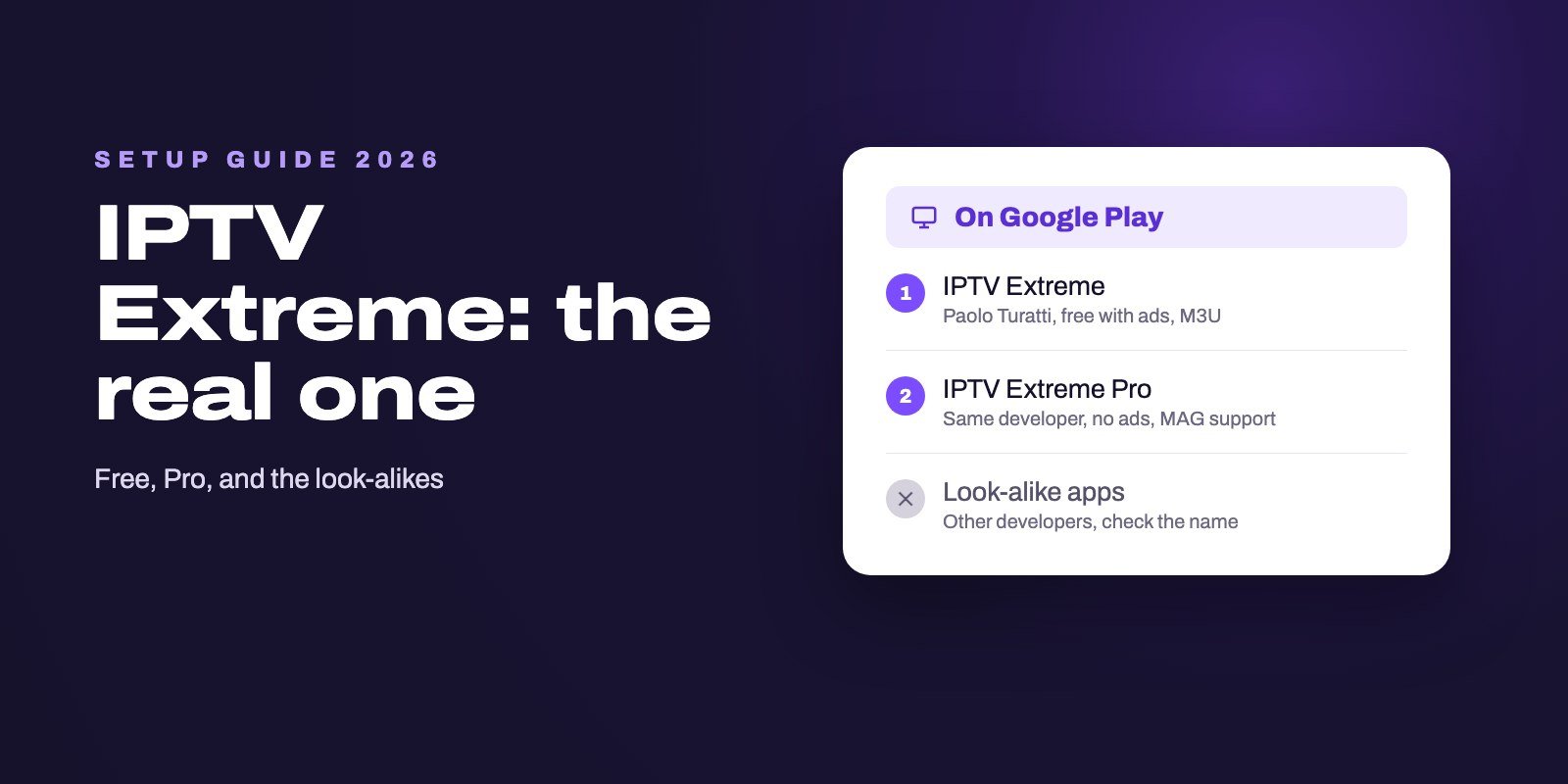
IPTV Extreme is a free Android player by developer Paolo Turatti that plays your own M3U playlist, with a TV guide, recording and parental control. It contains no channels. IPTV Extreme Pro costs $0.99 in the US Play Store, removes the ads and adds MAG portal support. To set it up, install it from Google Play on an Android TV box, a Google TV device or a phone, add your provider's M3U link and a guide link, and the channels load.
The hard part is not the setup, it is the name. Google Play lists several unrelated apps called IPTV Extreme something, and some IPTV sellers use Extreme or Xtreme in their brand. Only two apps come from the original developer, and neither one comes with channels. Check the developer name before you install, and you have avoided the most common mistake.
Note: Smart IPTV App is an IPTV provider, and we promote our own service on this page. The apps and devices mentioned here are made by independent companies.
Last checked: October 21, 2026, against the Google Play listings of IPTV Extreme and IPTV Extreme Pro and of the other apps named below. Ratings, prices and download counts are a snapshot from the US store.
Which IPTV Extreme is the real one?
Search Google Play for IPTV Extreme and you get a family of look-alikes. They are different apps from different companies, and they do not all do the same thing.
| App on Google Play | Developer | What it is |
|---|---|---|
| IPTV Extreme | Paolo Turatti | The original free player, with ads. 10 million+ installs, 4.1 stars, updated September 2026 |
| IPTV Extreme Pro | Paolo Turatti | The paid version, $0.99 in the US. No ads, adds MAG portal support. 500,000+ installs |
| IPTV Extreme MEDIA | FlexDigital | A different app that advertises free online channels with no sign-up, plus an M3U player |
| Extreme IPTV: Xtream & M3U | CodeTheFuture | A new, separate player, around 100 installs in October 2026 |
| IPTV Extreme Lite | IPTV Extreme Lite | Another separate player, last updated in April 2025 |
The developer name on the store page is the quickest test: the original apps are published by Paolo Turatti. Treat apps that promise free channels with caution, whoever publishes them. A player that comes with its own channels is no longer just a player, and you have no idea where those streams come from.
IPTV Extreme or IPTV Extreme Pro?
Both versions share the same core: an advanced and a light built-in player, Chromecast support, parental control, backup and restore of your settings, M3U playlists, several guide sources at once with automatic updates, channel logos, recording of live channels with a time limit, timers, themes and an option to start with the device.
The Pro version adds two things according to its listing: no advertising, and MAG support, which lets it connect to providers that use a portal address instead of a playlist link. At $0.99 in the US store, the Pro version is worth it if you use the app every day, if only for the ads. If you only test playlists from time to time, the free version is enough.
How to set up IPTV Extreme
1. Install it on the right device
IPTV Extreme is an Android app. Install it from Google Play on a Google TV or Android TV device, such as the Google TV Streamer, an Android TV box or a smart TV running Google TV, or on an Android phone or tablet. Its listing includes remote control support, so it works from the sofa on a TV box.
2. Add your playlist
Open the app, go to the playlist section and add a new playlist. Give it a name, paste the M3U link your provider sent you, and save. The channel list loads, sorted into the groups your provider defined. Typing a long link with a remote is slow; if you can, open it on a phone and copy it, or plug a keyboard into the box.
3. Add the TV guide
The guide is a separate link, usually an XMLTV address from your provider. Add it in the guide settings and let the app download it. If some channels stay empty, use the app's guide alias feature to match a channel to the right guide entry. Our IPTV EPG guide explains how guide matching works and why it sometimes fails.
4. Adjust the player
If a channel shows a black screen or stutters, switch between the advanced and the light player in the settings before blaming the stream. Turn on the start-with-device option if the box is used only for TV, and set parental control before children use it.
What if your provider sent an Xtream Codes login?
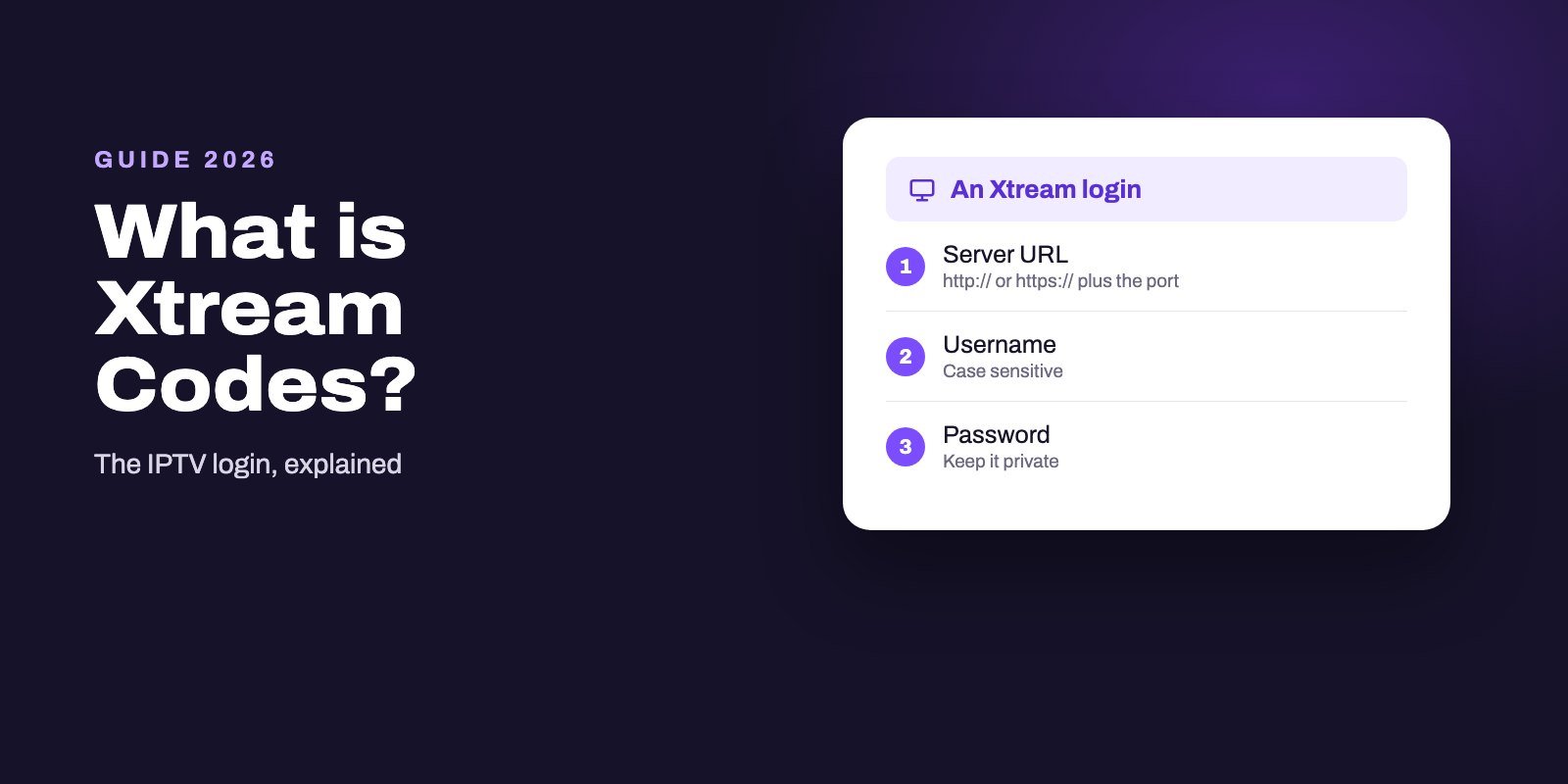
The store descriptions of IPTV Extreme and IPTV Extreme Pro list M3U playlists and MAG portals, not Xtream Codes logins. If your provider sent a server address, a username and a password, ask them for the matching M3U link, or build it from those details as our Xtream Codes guide shows.
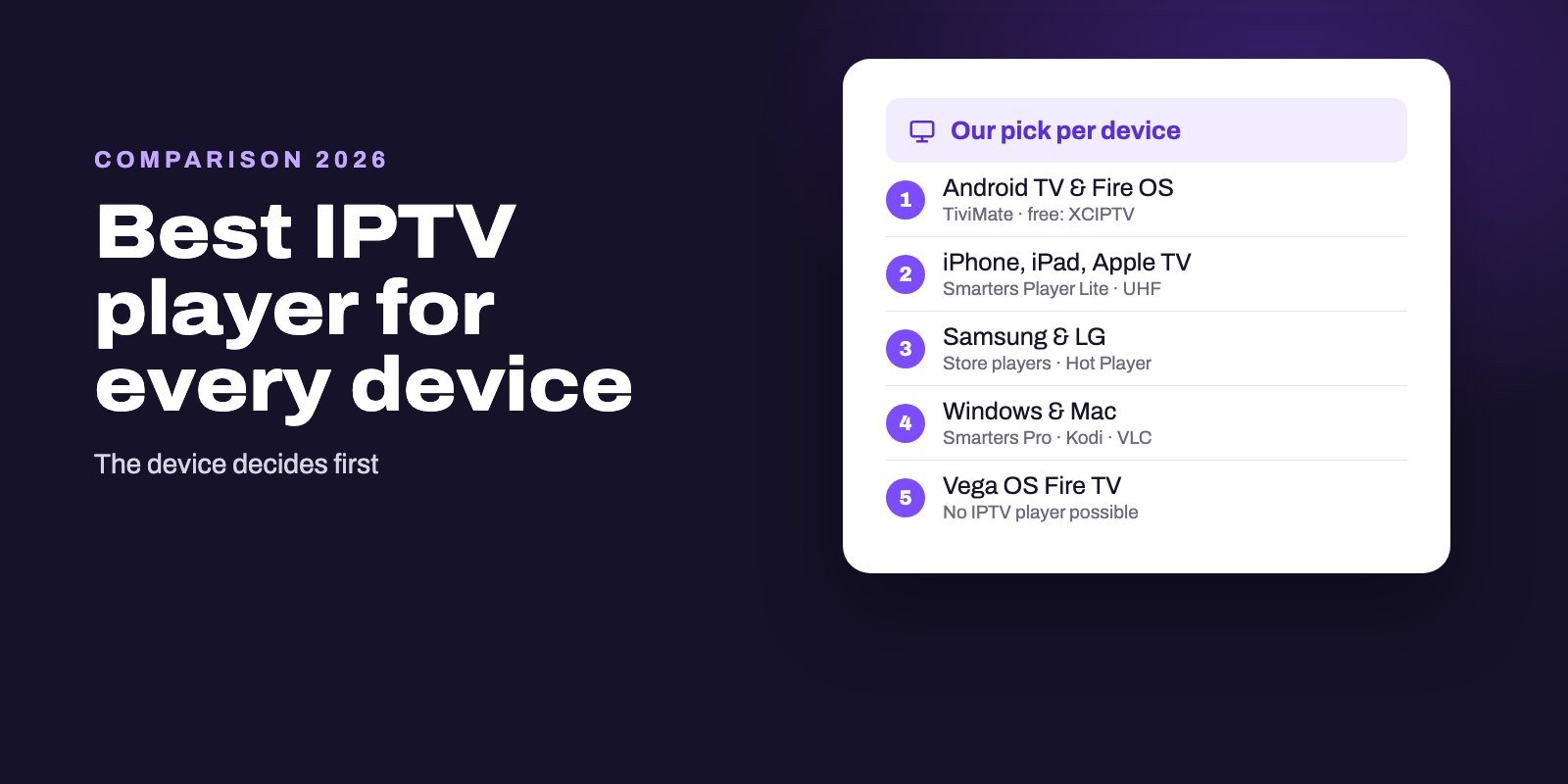
If you want to log in with Xtream Codes directly, players built around it, such as TiviMate or IPTV Smarters Pro, are simpler. Our best IPTV player guide compares them.
IPTV Extreme and the MAC address
Searches for "IPTV Extreme MAC address" come from the MAG support in the Pro version. Some providers do not send a playlist link but a portal address, and their system recognises your device by a MAC address, the way it would recognise a MAG set-top box. In that setup, the portal address goes into the app, and the provider has to register the MAC address the app uses.
If your provider gives you an M3U link, you do not need any of this. The portal method is only for services built around MAG-style portals, and it is the Pro version that supports it.
Recording, catch-up and Chromecast
IPTV Extreme can record a live channel with a time limit and schedule recordings with timers, which few free players offer. Recordings are saved on the device, so keep an eye on storage on a small box. Catch-up, where you go back to a programme that already aired, depends on whether your provider offers it for that channel; our catch-up and recording guide explains the difference.
Chromecast is listed as a beta feature in the free version and as a regular feature in Pro. It lets you send a channel from a phone to a TV with a Chromecast or Google TV device.
IPTV Extreme on Firestick and other devices
Fire OS sticks have no Google Play. Getting IPTV Extreme on one means sideloading an APK, and APK download sites are not the developer's own channel, so copies can be outdated or modified. On a Firestick, players with an official download route are simpler; our Firestick player guide lists them, and our Firestick setup guide explains which new Amazon models no longer accept players at all.
IPTV Extreme is an Android app, so it is not available for iPhone, Apple TV, Samsung or LG smart TVs, Roku or Windows. On those, our device guides list the players that work.
"4K IPTV Extreme" is not the app
Searches for "4K IPTV Extreme" mostly lead to IPTV services with Extreme or Xtreme in their name. They have nothing to do with Paolo Turatti's player, which contains no channels and works with any provider's M3U link. Choose a player and a provider separately: a good player cannot fix a weak provider, and the reverse is also true.
If 4K is what you are after, the player matters less than your device and connection. Our 4K IPTV page explains what a real 4K setup needs.
Common problems
The playlist does not load
Check that you pasted the full M3U link, with nothing cut at the end, and that your subscription is active. Open the link on a computer: if it downloads a file, the link is fine and the problem is in the app or the network.
The guide is empty or shifted
Make sure the guide link is added and has finished downloading, then use the alias feature for channels that do not match. If times are off by an hour or more, adjust the guide time offset.
Channels buffer
Try the other built-in player first. If it still buffers, our guide to IPTV buffering starts with a two-minute test that shows whether the cause is your Wi-Fi, your device or the server.
Test IPTV Extreme with a real playlist
A player is only half of the picture. Ask for our 24-hour free trial and we send an M3U link that works in IPTV Extreme, together with Xtream Codes details for other players. Add it, check the guide and the picture during your evening, and decide afterwards.
Every plan includes both login types and allows one to four devices at the same time, so IPTV Extreme on the TV and another player on a phone can share it. All plans are on the IPTV subscription page, and our Android TV player guide compares IPTV Extreme with the alternatives.
Frequently asked questions
Is IPTV Extreme free?
Yes. IPTV Extreme is free on Google Play with ads. IPTV Extreme Pro costs $0.99 in the US store, removes the ads and adds MAG portal support.
Does IPTV Extreme include channels?
No. The developer states that the app contains no channels and needs a playlist. You add the M3U link from your own IPTV provider.
Who makes IPTV Extreme?
The original IPTV Extreme and IPTV Extreme Pro are published on Google Play by Paolo Turatti. Other apps with similar names come from different developers.
Does IPTV Extreme support Xtream Codes?
Its store listing mentions M3U playlists and, in the Pro version, MAG portals, not Xtream Codes logins. Ask your provider for the M3U link that matches your Xtream details.
How do I install IPTV Extreme on a Firestick?
Fire OS has no Google Play, so it would have to be sideloaded from an APK, which is not an official channel. On a Firestick, a player with an official download route is simpler.
What is the MAC address in IPTV Extreme for?
It is used by the MAG portal feature of IPTV Extreme Pro. Providers that use portals register the device's MAC address. With an M3U link you do not need it.
Is IPTV Extreme available on iPhone or Samsung TVs?
No. IPTV Extreme is an Android app. On iPhone, Apple TV, Samsung or LG TVs, use a player from that platform's own store.