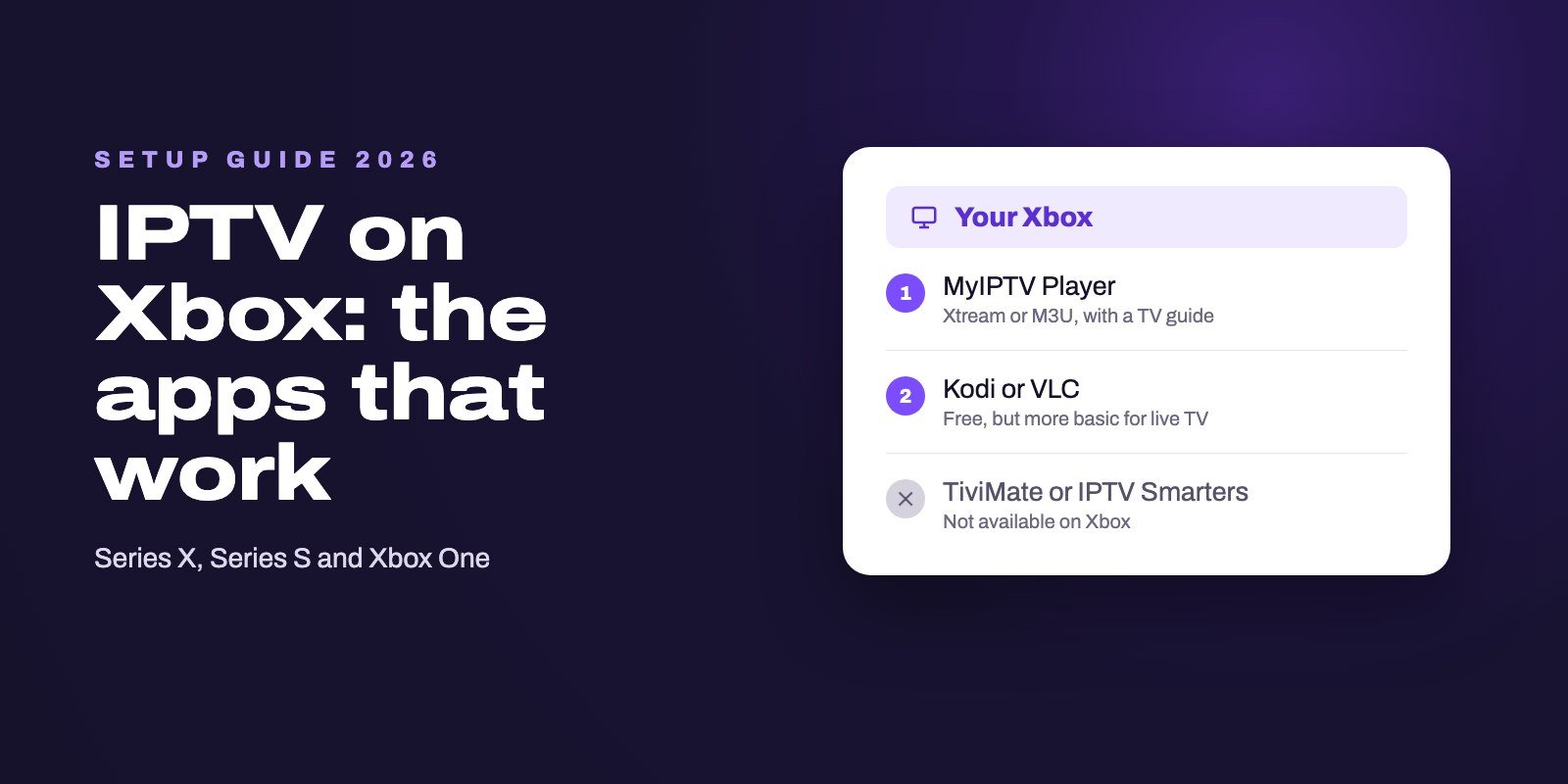
Yes, you can watch IPTV on an Xbox Series X, Series S or Xbox One. The Microsoft Store on the console offers MyIPTV Player, which accepts an Xtream Codes login or an M3U link and shows a TV guide, and also Kodi and VLC, which are free but more basic for live TV. TiviMate and IPTV Smarters are not available on Xbox, and nothing can be installed from outside the Store in normal use.
The Xbox is closer to a Windows PC than to a Firestick, and that is good news: the one proper IPTV player in its Store is a mature app with a guide and catch-up. PlayStation owners are less lucky, and for them the realistic answer is a small streaming stick in another HDMI port.
Note: Smart IPTV App is an IPTV provider, and we promote our own service on this page. The apps and devices mentioned here are made by independent companies.
Last checked: October 21, 2026, against the Xbox listings of MyIPTV Player, VLC and Kodi in the Microsoft Store and a search of the Store on Xbox. Store listings change, so treat names and ratings as a snapshot. Smart IPTV App is not affiliated with Microsoft or Sony; Xbox and PlayStation are their trademarks.
What you can install on an Xbox
In its normal mode, an Xbox installs apps from the Microsoft Store and nowhere else. There is no Downloader, no APK and no "unknown sources" switch, because the console does not run Android at all. Developer Mode exists, but it is built for people writing their own apps, not for watching television.
That rules out the two players most IPTV users know. TiviMate is an Android TV app, as its developer makes clear, and a search for "iptv" in the Store on an Xbox did not return IPTV Smarters either. What it did return was a handful of IPTV apps from unknown publishers with no reviews at all, and three names worth your time.
| MyIPTV Player | Kodi | VLC | |
|---|---|---|---|
| Price | Free, with in-app purchases | Free | Free |
| Xtream Codes login | Yes, with catch-up | No, M3U link only | No |
| TV guide | Built in | Through an add-on | No |
| Setup effort | Low | High | Low |
| Best for | Watching IPTV regularly | People who already use Kodi | A quick test of a link |
All three appear in the Store with the Xbox listed among their platforms, on the Series X, the Series S and the Xbox One.
MyIPTV Player: the best choice on Xbox
MyIPTV Player, published by Vbfnet Apps, has been in the Microsoft Store since 2017 and was last updated in May 2026. Its Store listing describes what matters for IPTV: an Xtream Codes login with catch-up, M3U playlists loaded from a web address, a built-in TV guide, automatic channel groups, favorites, several playlists and a PIN lock. It also lets you choose between the VLC engine and the Windows player for playback, which helps when a channel refuses to start. When we checked, it had a 3.8 rating from 63 reviews in the US store.
Install it
- On the Xbox, open the Microsoft Store and search for MyIPTV Player.
- Check that the publisher is Vbfnet Apps, then select Get.
- Open the app from My games & apps. You can pin it to Home so it is one press away.
Add your login
- Open the app's settings and add a new playlist.
- Choose the Xtream Codes option if your provider sent a server, a username and a password. It loads the guide and catch-up with no extra step. Our Xtream Codes guide explains each field.
- Otherwise, choose the remote M3U option and paste the full link.
- Make sure the new playlist is the one selected, then go back to the channel list.
Typing a long server address with a controller is the slowest part. The Xbox accepts a USB keyboard, and plugging one in for five minutes saves a lot of frustration. If the app refuses the login, our guide to login errors explains what each cause looks like.
Kodi and VLC: the free alternatives
Kodi
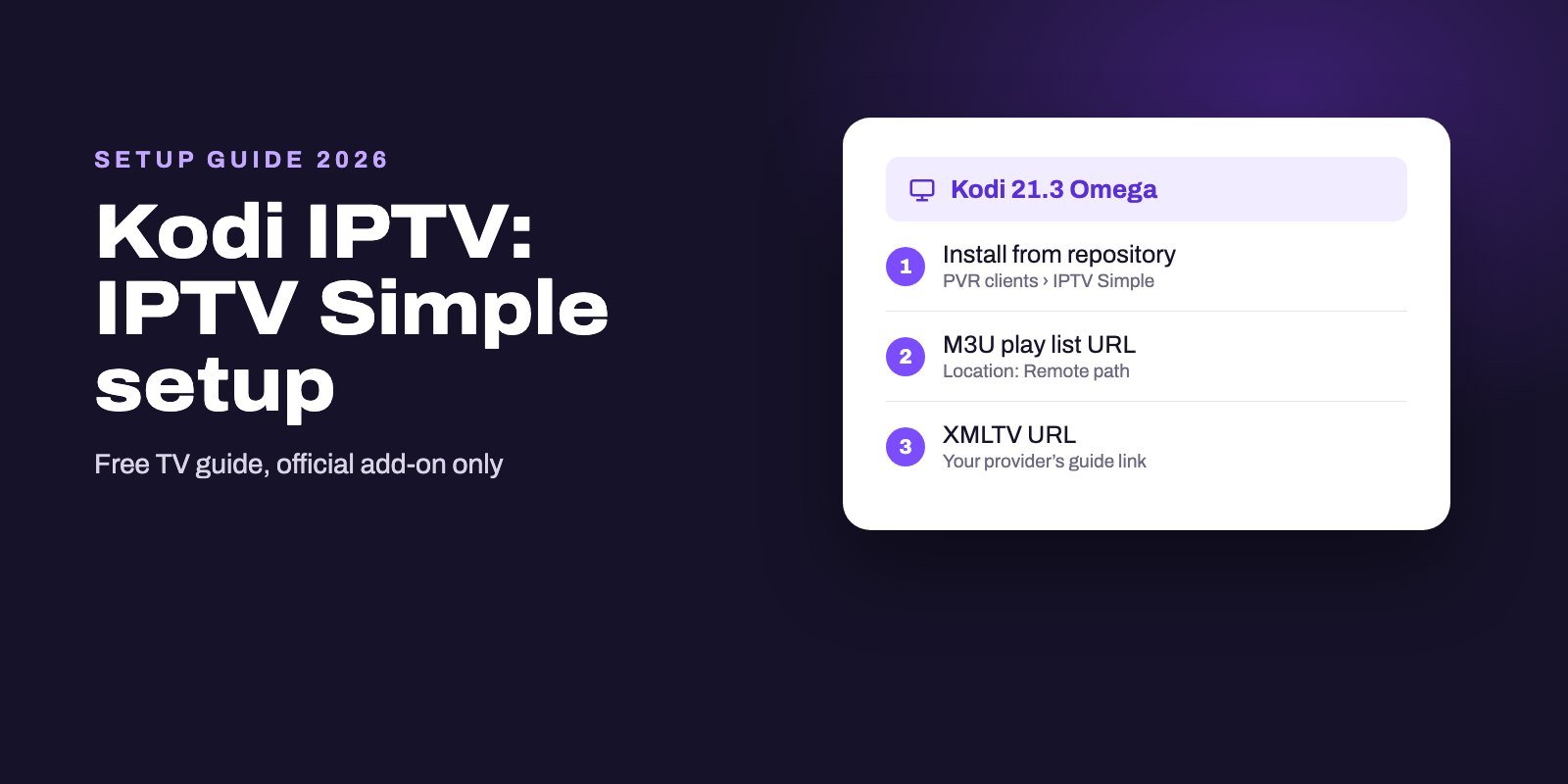
Kodi has an official Xbox version in the Microsoft Store, updated in October 2026. On other devices, live TV in Kodi goes through the PVR IPTV Simple Client add-on, which reads an M3U link and a guide link and has no Xtream Codes login. We could not confirm from Kodi's own pages that this add-on runs in the Xbox version, so check that it appears under the PVR clients in Kodi's add-on browser before you rely on it. If you already know Kodi, our Kodi IPTV guide walks through the settings.
VLC
VLC for Xbox is free and opens network streams, so it can play an M3U link. Its own Store description warns that this version lacks some features of the classic VLC, and its rating is low. It has no guide, no categories worth the name and no Xtream login, so use it to check that a link plays, not to watch every evening. Our VLC IPTV guide shows how to open a playlist.
Making IPTV work well on an Xbox
- Use Ethernet. The Series X, the Series S and the Xbox One all have an Ethernet port, and a cable fixes most evening buffering before it starts.
- Switch the playback engine. In MyIPTV Player, if one channel shows a black screen, try the other player option before blaming the stream.
- Check the guide time. If programs look shifted by a few hours, the guide's time offset is wrong, not the channels. Our IPTV EPG guide explains where that comes from and how to fix it.
When channels buffer anyway, our guide to IPTV not working or buffering starts with a two-minute test that shows whether the problem is the network, the console or the server.
What about PS5 and PS4?
PlayStation is more closed than Xbox. Sony chooses the TV and video apps in the PlayStation Store, and neither Kodi nor VLC makes a PlayStation version. We found no IPTV player for the PS5 or the PS4 that we could recommend, and we would be wary of any "PlayStation IPTV app" promoted outside Sony's own store.
The practical answer is the same one we give Roku and Sky Glass owners: plug a small streaming device into another HDMI port on the TV. A Fire OS stick or a Google TV streamer costs far less than the console, runs TiviMate and IPTV Smarters, and leaves the PlayStation free for games. Our Firestick guide lists the models that still accept IPTV players, and our Android TV player guide covers Google TV.
Xbox or a streaming stick?
If the Xbox is already under the TV and you watch now and then, MyIPTV Player is enough, and it costs nothing to try. If IPTV becomes the main way you watch television, a stick makes sense for three reasons: a remote instead of a controller, players such as TiviMate that only exist on Android, and a console that is not running for hours just to show the news. On a computer, our Windows and Mac player guide covers the desktop versions of these apps.
Test it on your Xbox first
A free trial is the simplest way to see how MyIPTV Player and your connection handle real channels. Ask for our 24-hour trial, add the Xtream Codes details to the app, and watch for an evening, ideally at the busiest hours.
When you subscribe, your login arrives by WhatsApp or email within 5 to 15 minutes of payment, and every plan allows one to four devices at the same time, so the Xbox and a phone or a stick can share it. All plans are on the IPTV subscription page.
Frequently asked questions
Can you watch IPTV on an Xbox?
Yes. Install MyIPTV Player from the Microsoft Store on the console and add your Xtream Codes login or M3U link. Kodi and VLC are also available for free, with fewer live TV features.
Can I install TiviMate on Xbox?
No. TiviMate is an Android TV app, and the Xbox does not run Android apps. Use MyIPTV Player on the Xbox, or plug a Fire OS stick or a Google TV streamer into the TV to use TiviMate.
Is IPTV Smarters available on Xbox?
We did not find it when searching the Microsoft Store on Xbox in October 2026. MyIPTV Player offers the same kind of Xtream Codes login with a TV guide.
What is the best IPTV app for Xbox Series X and S?
MyIPTV Player, because it supports Xtream Codes with catch-up, M3U playlists and a built-in TV guide. It runs on the Series X, the Series S and the Xbox One.
Can you sideload apps on an Xbox?
Not in normal use. The console installs apps from the Microsoft Store only. Developer Mode exists for people building apps, and it is not a practical way to watch TV.
Can I watch IPTV on a PS5?
We found no IPTV player for the PS5 or the PS4 that we could recommend. The simplest option is a streaming stick in another HDMI port on the same TV.
Does an Xbox need a wired connection for IPTV?
No, but it helps. Every current Xbox has an Ethernet port, and a cable avoids most of the buffering that Wi-Fi causes at busy hours.