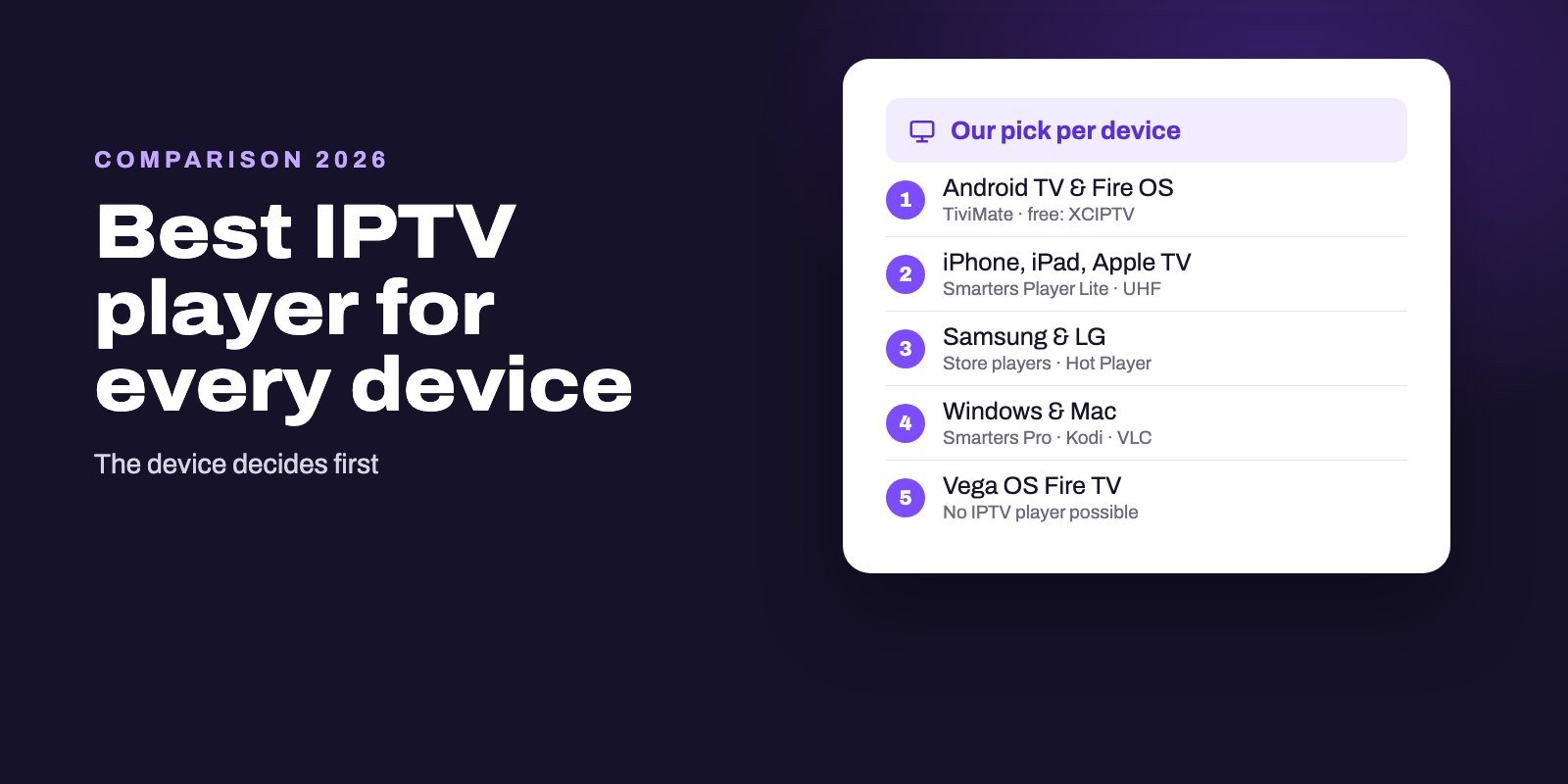
The best IPTV player depends on your device. On Android TV, Google TV and Fire OS sticks, TiviMate leads for live TV, with XCIPTV and Televizo as free options. On iPhone, iPad and Apple TV, start with Smarters Player Lite, then look at UHF or IPTVX. On Samsung and LG TVs, use a player from the TV's own store, such as IPTV Smarters Player on LG or Hot Player on both. On a computer, Kodi gives you a free guide grid and VLC is the quickest way to test a link.
So the honest answer to "which player is best?" starts with another question: what will you watch on? An app that is the clear winner on one box may not even install on the next, and new Fire TV sticks running Vega OS accept none of them. Pick the device first, then the player, and you skip most of the frustration people describe in forums.
Note: Smart IPTV App is an IPTV provider, and we promote our own service on this page. The apps and devices mentioned here are made by independent companies.
Last checked: October 11, 2026. Every app fact below comes from the developer's site or the official store listing, as documented in our detailed guides linked in each section. We compare published features and requirements; we do not claim hands-on lab tests.
The short answer, device by device
| Device | Our first pick | Free alternative | Also worth a look |
|---|---|---|---|
| Android TV, Google TV | TiviMate | XCIPTV (ads) | Televizo, iMPlayer TV |
| Fire OS stick (4K Max and older) | TiviMate | IPTV Smarters Pro | XCIPTV |
| Vega OS Fire TV stick | No IPTV player can be installed | ||
| iPhone, iPad, Apple TV | Smarters Player Lite | UHF (free core) | IPTVX, iMPlayer |
| Samsung TV | Store player for your model | Trial of any MAC-based app | Hot Player, IBO, Smarters (USB) |
| LG TV | IPTV Smarters Player | Trial periods of paid apps | Hot Player, Set IPTV |
| Roku | Hot Player, with care | Screen mirroring | A second device in HDMI |
| Windows, Mac | IPTV Smarters Pro | Kodi with IPTV Simple | VLC for tests |
| Android phone | XCIPTV or Televizo | Both free with ads | IPTV Smarters Pro |
Each row has its own detailed guide further down, with prices, requirements and setup steps.
How we chose, and what we did not do
We built this ranking from what the developers themselves publish and what the official stores show: the features listed on each app's site or store page, the devices and system versions it supports, its install count, its price model and the name of its publisher. We then weighed those facts against what matters on each kind of screen, which is why a phone app and a TV app never compete in the same row.
What we did not do is pretend to have run laboratory tests or measured zapping times on every box, because a player's speed depends as much on your device and your connection as on the app. That is also why every section ends with the same advice: try the shortlisted player with your own playlist, on your own screen, before deciding.
What makes a player good
Most IPTV players do the same basic job: they take a playlist or a login and show you channels. The differences that matter in daily use come down to five things.
- A real TV guide. A grid you can scroll hours ahead, filled from your provider's EPG, separates a comfortable app from a list of links.
- The login types it accepts. Xtream Codes is the easiest, because the guide and categories usually come with it. M3U works everywhere. A few apps also read Stalker portals.
- How it is built for your screen. TV apps need remote-friendly menus; phone apps need touch. TiviMate's developer says plainly that it is not optimized for phones.
- The publisher behind it. Popular names attract copies in every store, so the developer listed on the app page matters as much as the name.
- How you pay. Free with ads, a one-off premium, a subscription, or an activation fee tied to one TV. Over a few years, the gap adds up.
Notice what is missing from that list: channels. No player includes any. They all wait for the playlist your IPTV provider sends.
Android TV, Google TV and Fire OS sticks
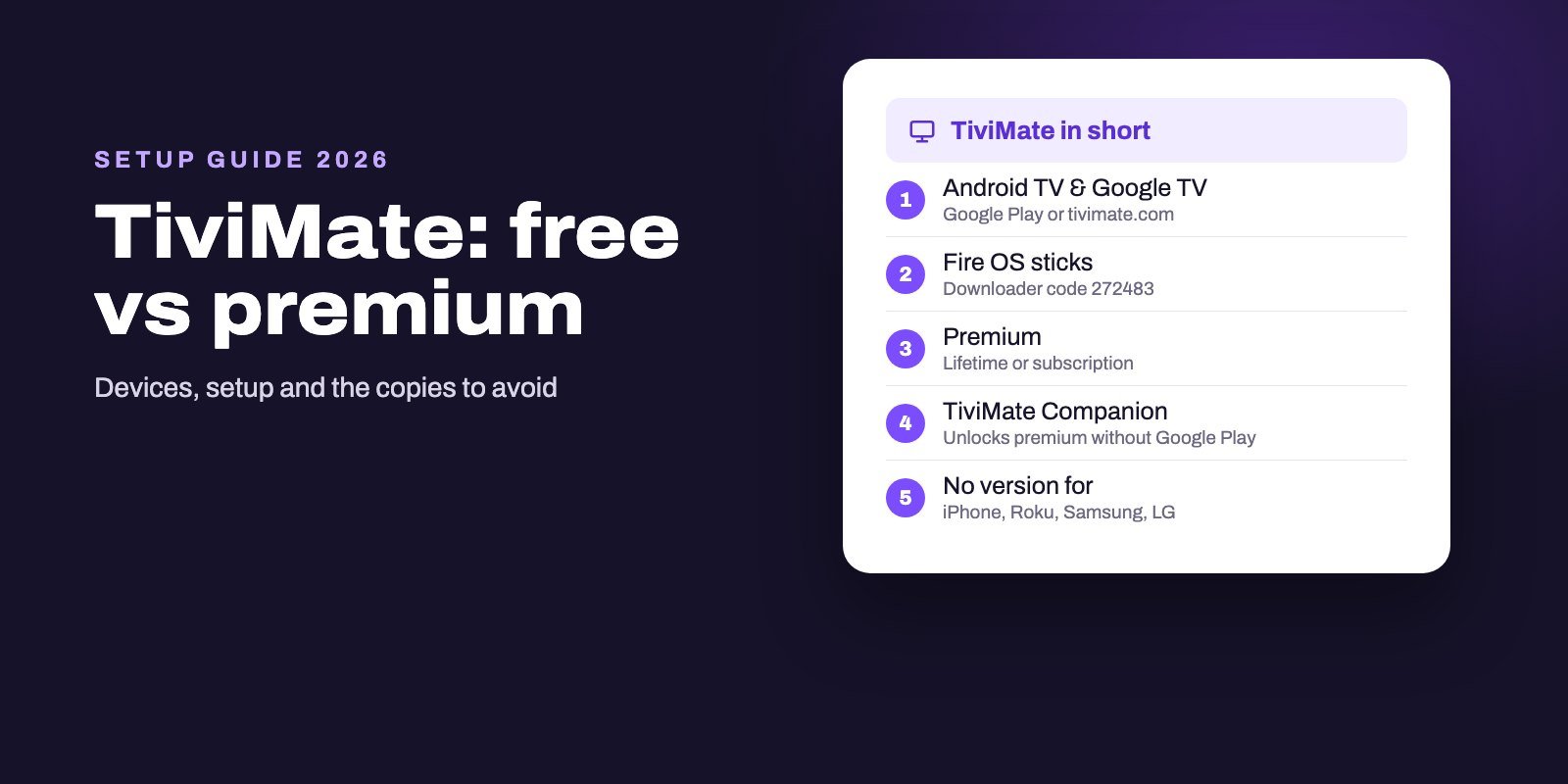
This is the easiest platform, and the one with the strongest players. TiviMate, published by Armobsoft FZE, is our pick for anyone who mostly watches live channels: it was designed for remotes, reads M3U, Xtream Codes and Stalker portals, and lays the guide out as a fast grid. It is free to install, with features that unlock through a lifetime purchase or a subscription. On a Fire OS stick, it arrives through the Downloader app with code 272483.
If you would rather pay nothing, XCIPTV from OTTRUN has passed ten million installs on Google Play and shows ads in return. Televizo is the other free contender, handy because it runs on phones as well as TVs. Our Android TV comparison and our Firestick player comparison go through all of them, and the Firestick setup guide lists which Amazon models still allow these apps.
iPhone, iPad and Apple TV
On Apple devices everything goes through the App Store, and almost every player sells something inside. Smarters Player Lite is the safe start: it is the Apple app the official IPTV Smarters site points to, costs $1.99 for its premium version and runs from tvOS 12, so older Apple TVs still qualify. UHF keeps its core features free but needs tvOS 17. IPTVX suits Dolby Vision and HDR setups, at a subscription price, and iMPlayer brings catch-up and a full guide if your devices run iOS or tvOS 18.
TiviMate has no Apple version, whatever a lookalike listing suggests. Our Apple app comparison details prices and requirements for each.
Samsung and LG smart TVs
Smart TVs take whatever their own store offers for your model, and many players are tied to the TV's MAC address with an activation fee per set. On LG, the developer of IPTV Smarters lists its app as IPTV Smarters Player in the LG store, which logs in directly on the TV with no website step. Hot Player covers both brands after a 30-day trial, and Set IPTV charges about 15 € once per device after seven free days.
On Samsung, the Smarters developer says its updated app is under review and offers an official USB install in the meantime, while MAC-based apps such as Hot Player and IBO fill the gap. Read our Samsung guide and our LG guide before paying any activation, because those licenses stay with the television.
Roku
Roku is the hardest case. It only installs certified apps from its own store, and that store is crowded with players whose names imitate better-known apps from other publishers. Hot Player is one of the few whose own website names the Roku Store. Screen mirroring from a phone or computer is the free fallback, and a Google TV or Fire OS stick in a spare HDMI port is the long-term fix. Our Roku guide covers all three.
Windows and Mac
On a computer you can install several players side by side and compare them for free. IPTV Smarters Pro downloads straight from its developer's site for both systems, with a checksum to verify the file. Kodi, with its official IPTV Simple add-on, builds a full program grid at no cost. MyIPTV Player is the simplest Microsoft Store option, though its rating is modest. And VLC remains the fastest way to check whether a link plays at all. Our Windows and Mac guide compares them in depth.
The other names you will meet
Search long enough and you will run into Hot Player, IBO Player, Set IPTV, Duplex TV, SS IPTV, GSE and a dozen more. Several are perfectly usable, especially on smart TVs. The trouble is that many of these names are shared by unrelated apps and websites, and some sites that borrow a player's name sell IPTV subscriptions instead. Our guide to other IPTV player apps sorts the genuine publishers from the lookalikes and lists each trial and activation fee.
Free or paid?
You can watch IPTV without paying for a player on almost any device. XCIPTV and Televizo on Android, UHF's free tier on Apple, Kodi and VLC on computers, and the free versions of TiviMate and Smarters all work with a real playlist. What money buys differs by app: a premium tier with extra features, an ad-free experience, or, on smart TVs, the right to keep using the app after its trial.
Our advice is the same for every app, and it costs nothing. Install the free version or start the trial, add the playlist from your provider, and use it on your own screen for a few evenings. If you keep reaching for something the free version does not do, the upgrade has earned its price.
One subscription, several players
You do not have to marry a single app. The same Xtream login or M3U link works in TiviMate on the living-room box, in Smarters Player Lite on an iPhone and in Kodi on a laptop, so each screen can run the player that suits it best while the household shares one subscription, as long as the number of screens playing at once stays within your plan. Switching later is just as easy: install the new player, enter the same details, and the old one can go.
Three mistakes to avoid
Paying a player for channels. If an app or a website calling itself a player offers you thousands of channels, it is a seller, not a player. Developers of genuine players state that they provide no content.
Installing modified "premium" copies. Apps shared as "unlocked" or "mod" builds come from neither the developer nor an official store. They are not the app you think you are installing, and you have no idea what else they contain.
Activating on the wrong TV. MAC-based licenses usually cannot move to another set. Test on the television you will keep, on the connection you will use, then activate.
Pick a player, then test it with a real playlist
Any player looks empty until it has something to show, so the fair test pairs it with a working subscription. Smart IPTV App includes an Xtream Codes login and an M3U link in every plan, which together cover every app on this page. Start with our free 24-hour trial, try your shortlisted player on the device you actually use, and keep the one that feels right. Subscribers receive their details by WhatsApp or email, generally within a quarter of an hour, with room for up to four screens. The full price list is on the IPTV subscription page; for installation, follow the device steps in our IPTV setup hub.
Frequently asked questions
What is the best IPTV player?
It depends on the device. TiviMate leads on Android TV and Fire OS sticks, Smarters Player Lite is the safe start on Apple devices, store players such as IPTV Smarters Player or Hot Player suit smart TVs, and Kodi is the best free option on computers.
What is the best free IPTV player?
XCIPTV or Televizo on Android devices, both with ads, UHF's free tier on recent Apple TVs, and Kodi with IPTV Simple on Windows, Mac or Linux.
Is TiviMate better than IPTV Smarters?
For live TV on an Android TV device, TiviMate's guide grid gives it the edge. Smarters runs on far more platforms, including Windows, Mac and Apple devices under the name Smarters Player Lite.
Which IPTV player works on every device?
No single app does. IPTV Smarters comes closest, with versions for Android, Android TV, Windows, Mac, Apple devices and LG TVs, but not under one name or one store.
Do IPTV players include channels?
No. Players only display the playlist or login you add from an IPTV provider. An app that offers channels is a seller, not a player.
Can I install an IPTV player on a Fire TV Stick 4K Select?
No. The 4K Select and other Vega OS sticks block apps from outside Amazon's store, which rules out every IPTV player. Fire OS models such as the 4K Max still work.
Should I pay for an IPTV player?
Only after testing the free version or trial with your real playlist. Pay when you keep missing a feature, and on smart TVs, activate only on the set you will keep.